











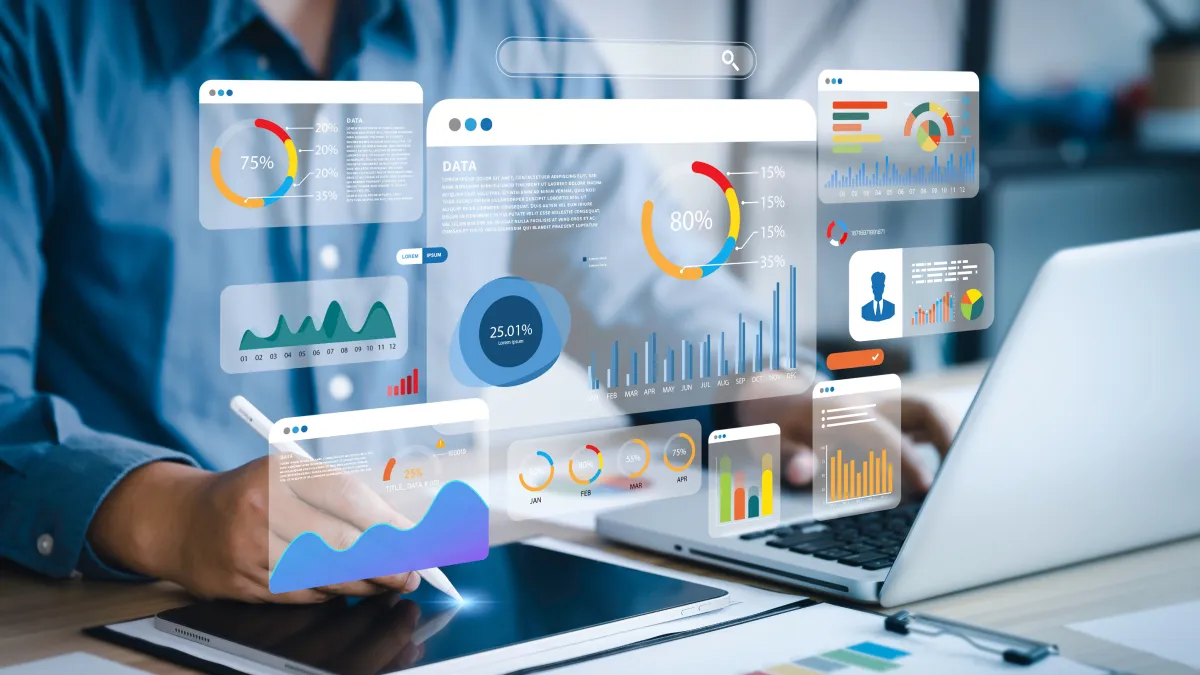
The anatomy of an effective project and portfolio management dashboard
Blog: OpenText Blogs

Every PMO knows the pain or the project and portfolio management dashboard dilemma: endless spreadsheets, disconnected updates, and reports that take longer to build than the projects they describe. A great dashboard changes all that. It’s more than a colorful chart—it’s the single source of truth that turns portfolio data into fast, confident decisions.
Let’s break down what makes an effective Project and Portfolio Management (PPM) dashboard and how better visibility leads directly to better efficiency.
1. Clear KPIs that actually mean something
Not every metric deserves prime real estate. The best dashboards zero in on what drives business outcomes—portfolio health, investment alignment, resource capacity, and delivery performance. The goal? At-a-glance insight that helps leaders act, not sift.
Pro tip: Limit KPIs to those that answer “are we on track, on budget, and aligned to strategy?” Everything else belongs in a drill-down view.
2. Layout that tells a story
A strong dashboard isn’t just data—it’s narrative structure. The top should show portfolio health and financial status; the middle reveals project-level performance; the bottom offers drill-down paths for issue or risk details. The layout should guide the eye like a storyboard, not a data dump.
3. Hierarchy and drill-downs that save time
Executives want the big picture; PMOs need the details. An effective dashboard serves both by layering information. One click from a high-level KPI into a detailed view cuts out the manual chasing and reformatting that slow teams down.
4. Reporting that works as fast as you do
Static reports are so last quarter. Modern PPM dashboards make reporting effortless—automatically exporting PowerPoint-ready slides, filtering by audience, and ensuring data consistency across every view. That means fewer hours building slides, more hours delivering results.
Feature spotlight: The Export to PowerPoint function showcased in our demo turns portfolio insights into presentation decks with a single click.
5. Visibility that drives efficiency
When everyone—from execs to project leads—sees the same, up-to-date information, alignment becomes automatic. Fewer meetings. Faster handoffs. Quicker decisions. Visibility isn’t just transparency—it’s operational speed.
Good dashboards inform; great dashboards empower
Escape the project and portfolio management dashboard dilemma! An effective PPM dashboard does more than report the past—it helps shape the next decision. By combining smart KPIs, intuitive design, and instant reporting, you turn portfolio visibility into your most efficient workflow yet.
With OpenText™ Project and Portfolio Management you get that power built in. Customizable dashboards and self-service portlets let teams tailor views to their needs, while efficient, intuitive reporting turns complex data into ready-to-share insights. Add one-click PowerPoint exports, and you have a solution designed to keep portfolios visible, projects aligned, and delivery efficient.
Watch the demo: OpenText™ Project and Portfolio Management Demo: Dashboard Delights
The post The anatomy of an effective project and portfolio management dashboard appeared first on OpenText Blogs.