











How to Update Billing Information in Process Street
Blog: Blog | Process Street | Compliance Operations Platform

Keeping your billing information current in Process Street ensures uninterrupted access to your workflows, documents, and compliance tools. Whether your credit card has expired, you lost your card, or you need to switch to a different payment method, updating your details takes just a few clicks.
This guide walks you through updating your payment method, billing address, and billing email in Process Street. Only organization administrators can access the billing page, so make sure you have admin permissions before getting started.
How to Update Your Billing Information
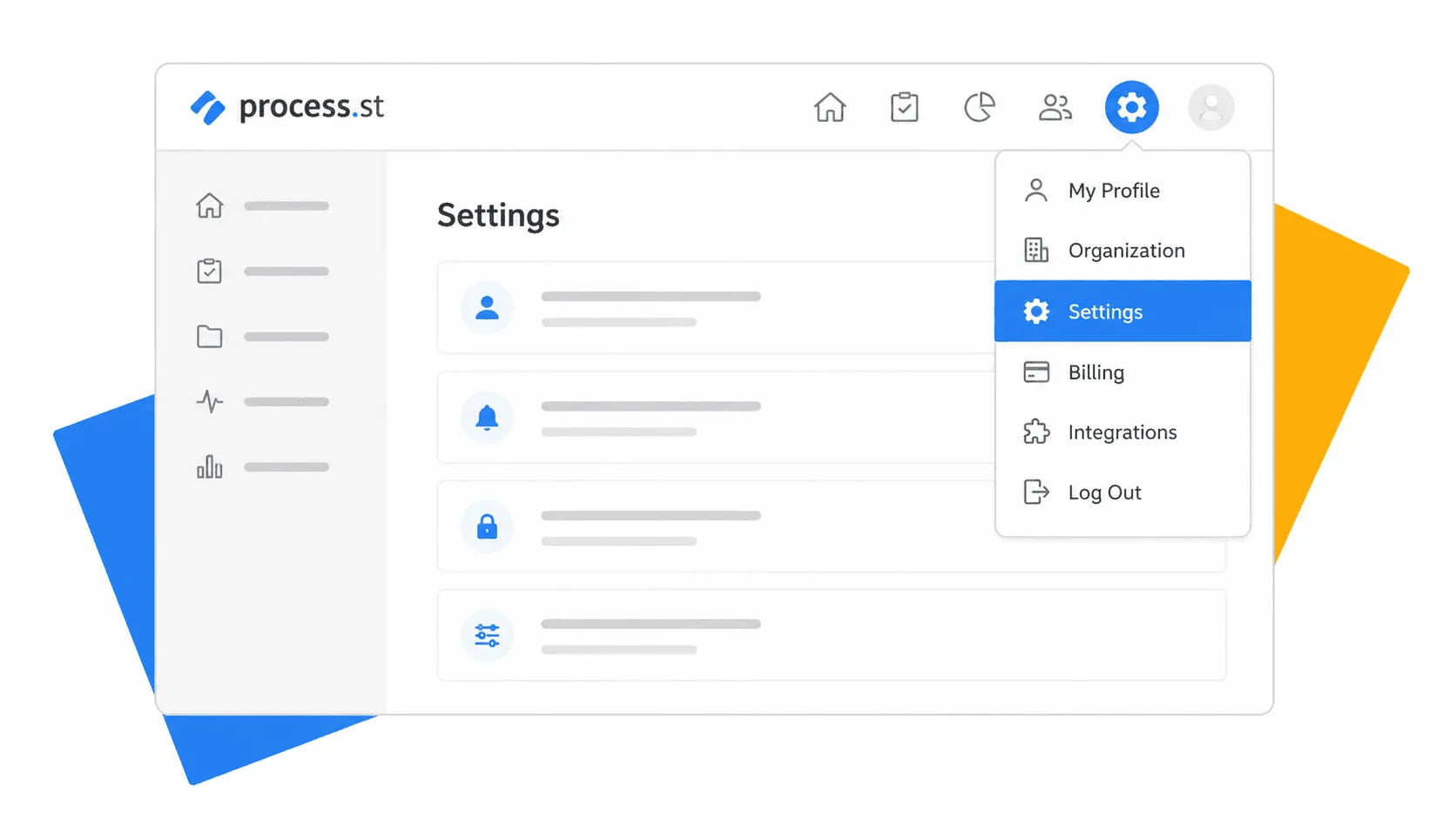
Step 1: Open Settings
Click your profile picture in the upper right corner of the screen, then select “Settings” from the dropdown menu.
Step 2: Access Billing Management
Scroll to the bottom of the Settings page and click “Manage subscription & view payment history.” This opens the billing management panel where you can make changes to your payment details.
What You Can Update
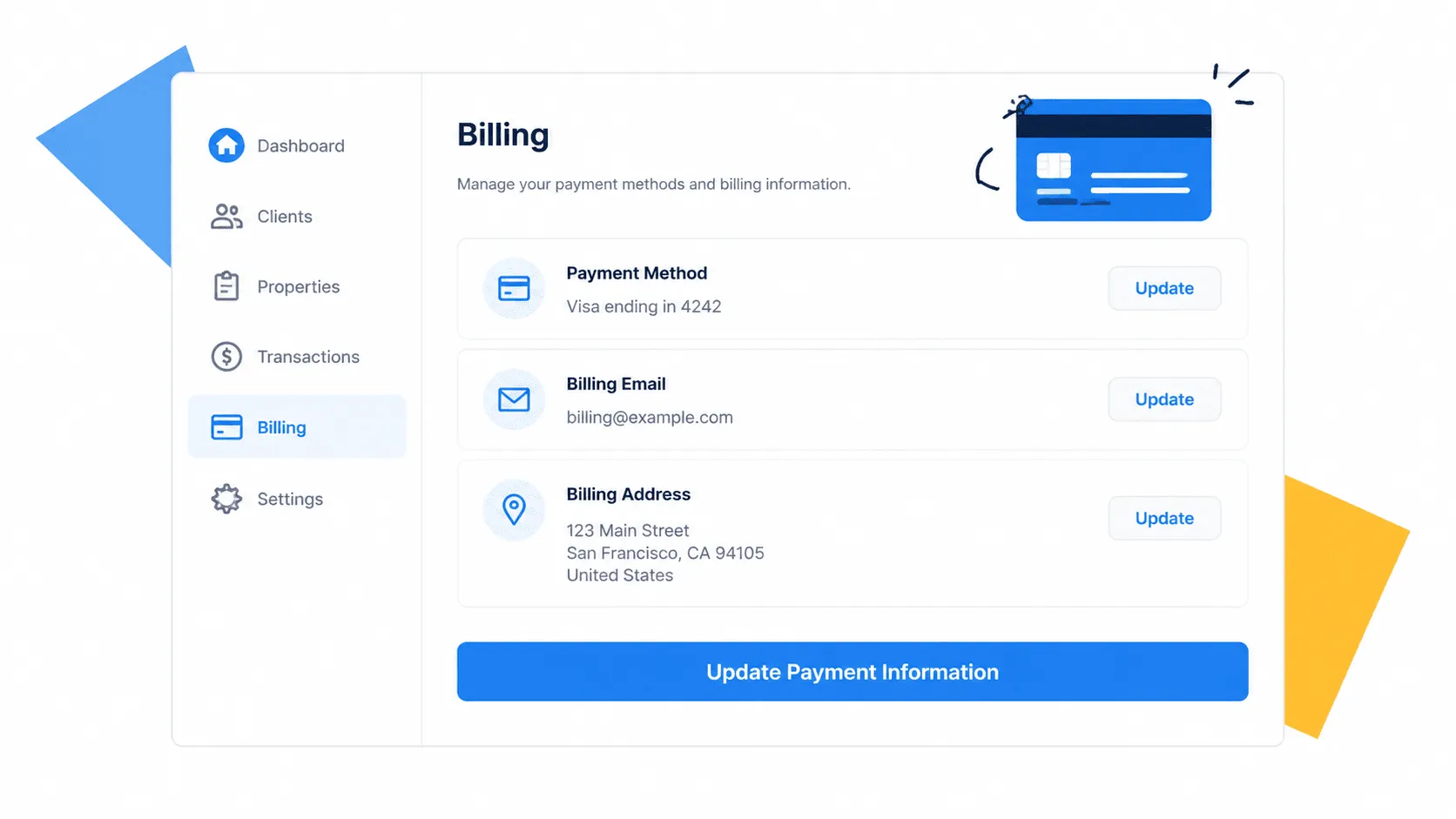
From the billing management panel, you can update:
- Payment method: Add or change the credit card on file for your organization.
- Billing email: Set the email address where invoices and receipts are sent.
- Billing address: Update the address that appears on your invoices.
- Tax ID: Add or modify your organization’s tax identification number.
You can also view your payment history and manage your subscription plan from the same page.
Important Things to Know
Your billing details are tied to your organization, not your individual account. If you belong to multiple organizations in Process Street, make sure you are viewing the correct one before making changes.
Only administrators can access the billing page. If you do not see the billing options in Settings, ask your organization’s admin to make the update or to grant you admin permissions.
Process Street offers Startup, Pro, and Enterprise plans. To compare features across plans or change your current subscription, visit the pricing page.
Frequently Asked Questions
Can I change my billing plan from the billing page?
Yes. From the billing management panel, you can view your current plan and manage your subscription. For Enterprise plan changes, contact the Process Street team directly.
What payment methods does Process Street accept?
Process Street accepts major credit and debit cards. All payments are processed securely through the billing management system.
What happens if my payment fails?
If a payment fails, Process Street will notify the billing email address on file. Update your payment method promptly to avoid any interruption to your workflows and compliance operations.
Who can access the billing page?
Only organization administrators can view and edit billing information. Regular members do not have access to the billing page.
The post How to Update Billing Information in Process Street first appeared on Process Street | Compliance Operations Platform.