











Fortify CLI (fcli): Streamlining AppSec workflows with SSC and ScanCentral SAST
Blog: OpenText Blogs
Enterprise development teams face constant pressure to deliver software quickly while maintaining compliance and security standards. As application portfolios grow and toolchains expand, managing security workflows across multiple interfaces can slow down release cycles and create unnecessary friction. For organizations using Software Security Center (SSC) and ScanCentral SAST, simplifying these interactions is essential.
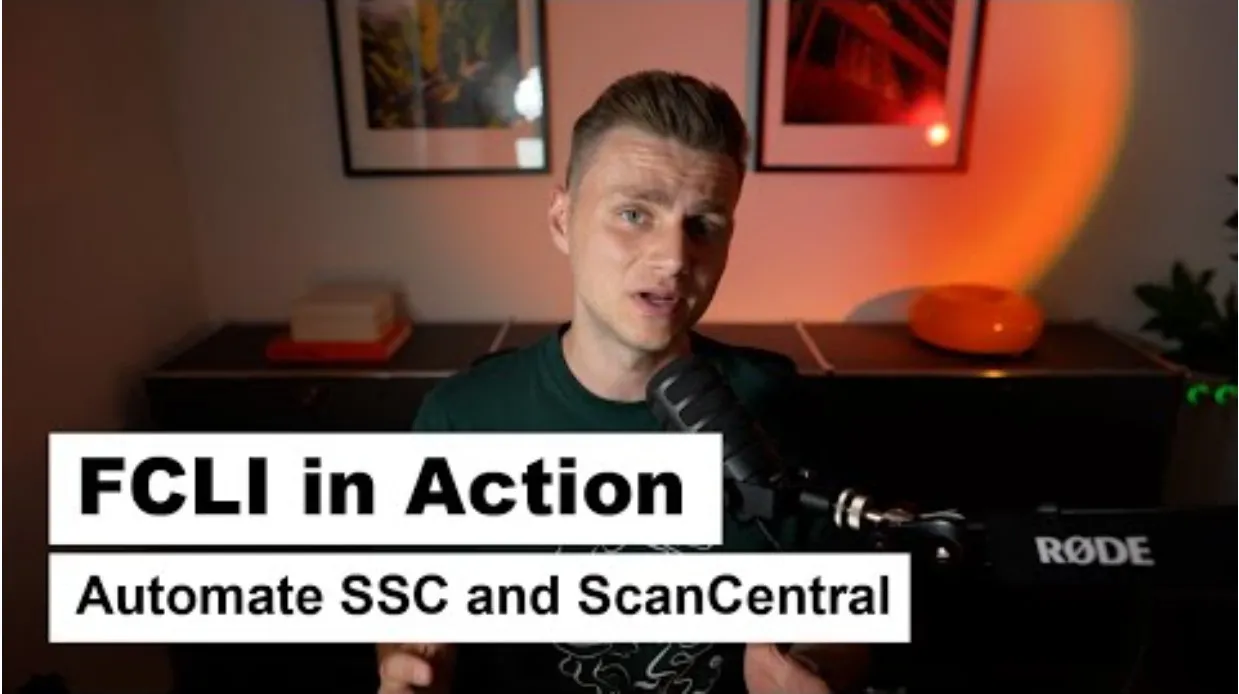
In a recent technical walkthrough, OpenText Solution Consultant Jan Wienand, illustrates how the Fortify Command Line Interface (fcli) provides a unified, automation-ready method for interacting with both SSC and ScanCentral SAST. By consolidating core AppSec operations into a single, consistent interface, fcli helps teams streamline processes, eliminate manual overhead, and integrate application security more effectively into modern DevSecOps pipelines.
Unifying AppSec interactions through a single interface
Fcli is designed to reduce fragmentation across the AppSec ecosystem. Instead of relying on separate interfaces or utilities, teams can use one command-line tool to authenticate, upload artifacts, initiate SAST scans, retrieve results, and manage SSC projects. This simplification improves operational efficiency, reduces the potential for human error, and enables consistent practices across distributed development teams.
For organizations pursuing automation or standardization at scale, this consolidation provides a stable foundation for policy enforcement, CI/CD integration, and centralized visibility.
Secure and flexible configuration
Jan’s walkthrough highlights key configuration practices that support large-scale deployments. By leveraging environment variables for credentials and system settings, teams can maintain secure authentication workflows without embedding sensitive information into scripts or pipeline configurations. This approach supports both developer workstations and automated environments, promoting consistent and secure usage across the organization.
Persistent session management further accelerates workflows by removing repeated authentication steps. This capability streamlines scan execution, makes scripting more predictable, and reduces latency within CI/CD pipelines.
Operationalizing SAST with repeatable, automated workflows
A central focus of the demonstration is how fcli enables full ScanCentral SAST workflows through simple, repeatable commands. Jan walks through the end-to-end process. He covers uploading source packages, initiating scans, monitoring progress, and retrieving results—all without relying on the SSC interface.
This command-driven approach enables:
- CI/CD integration: Pipelines can automatically trigger scans, validate results, and enforce quality gates.
- Scalability: Large teams can standardize processes across multiple applications and environments.
- Repeatability: Automated jobs run consistently, reducing variability between manual executions.
- Data portability: Output formats such as JSON, CSV, and YAML support custom dashboards, reporting layers, or ticketing workflows.
For enterprises committed to embedding security throughout the SDLC, fcli provides the operational backbone required to automate these tasks reliably.
Building a foundation for policy-driven AppSec programs
Beyond task automation, fcli supports broader program goals by offering structured, scriptable interactions with SSC. Teams can standardize project creation, enforce naming conventions, track results programmatically, and integrate security data into risk dashboards or compliance systems. This enables organizations to scale AppSec practices efficiently while maintaining governance alignment.
By reducing manual steps and consolidating workflows, fcli helps AppSec teams operate with greater consistency. This is an essential capability as application portfolios grow and security requirements evolve.
Watch the full technical walkthrough
This blog provides a high-level overview of fcli’s value, but Jan’s video offers a complete, step-by-step demonstration with real commands and practical examples.
Whether you're just getting started with fcli or looking to expand how you use it, this video offers a clear, practical overview of what the tool can do and how it fits into real-world AppSec processes.
Click HERE to watch the full video
The post Fortify CLI (fcli): Streamlining AppSec workflows with SSC and ScanCentral SAST appeared first on OpenText Blogs.