











Every Free Estimate Template You Need (The 14 Best Templates)
Blog: Blog | Process Street | Compliance Operations Platform
A free estimate template is a reusable document for showing a potential client the expected scope, labor, materials, rates, taxes, terms, and total cost of a job before work begins. It gives both sides a clear starting point without forcing you to build every estimate from scratch.
Bidding for jobs can be cutthroat. A clear estimate helps you respond quickly, present costs professionally, and reduce misunderstandings that can damage a client relationship. The 14 free estimate templates below cover general, Microsoft Word, Excel, and PDF formats, from concise job estimates to detailed construction budgeting spreadsheets.
- General free estimate templates
- Microsoft Word job estimate templates
- Excel estimate templates
- PDF estimate templates
- How to create your own estimate
- Estimate template FAQ
General free estimate templates
These two Process Street templates are useful when estimating work is part of a repeatable operational process. They combine the estimate document with assigned steps, due dates, evidence, and approvals, so the record does not disappear in an email thread.
1. Process Street Job Estimate Template
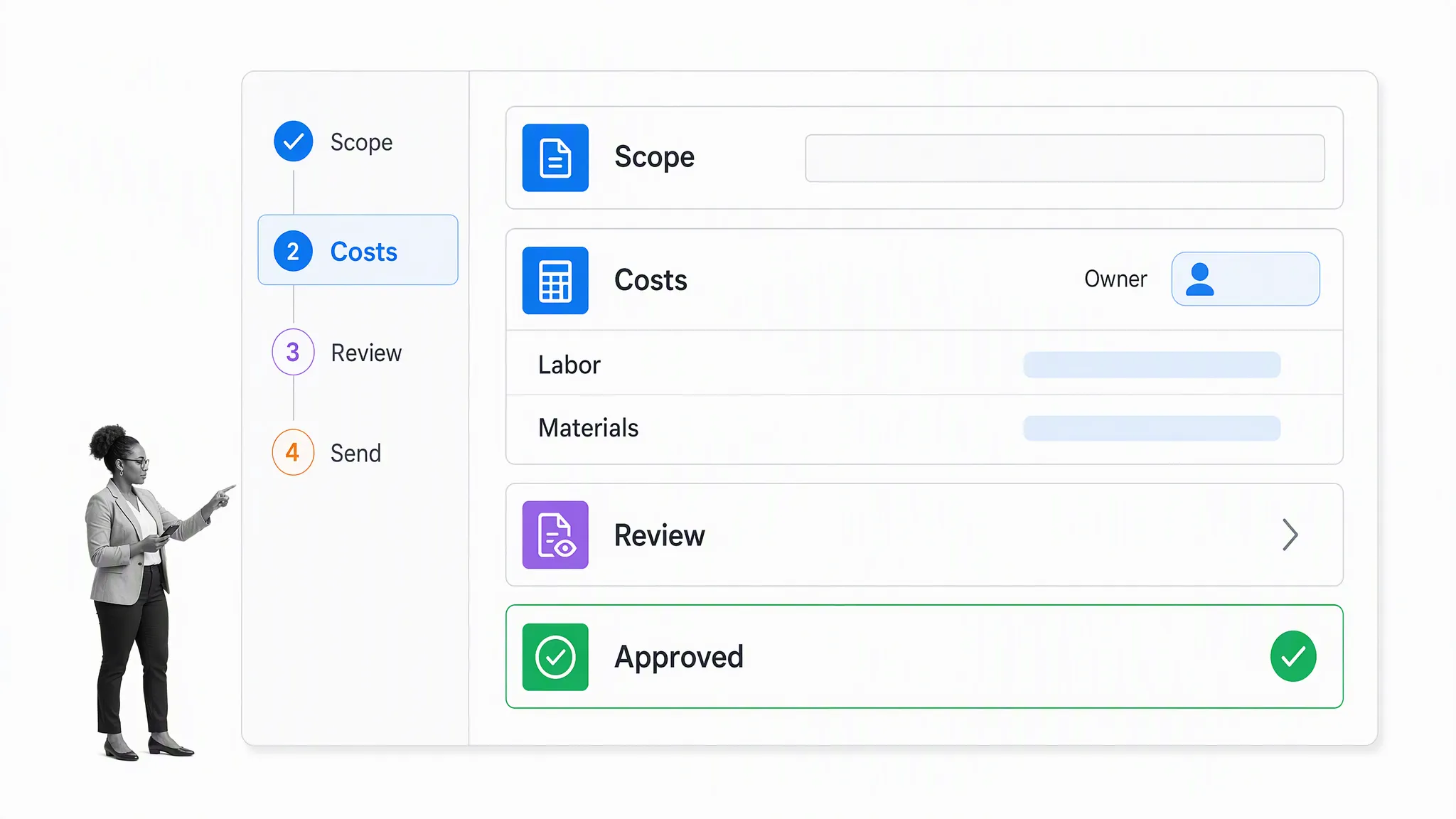
The Process Street Job Estimate Template guides you through gathering the client details, defining the work, calculating labor and material costs, reviewing the estimate, and sending it for approval. It is a practical general-purpose option for a service company that needs consistent estimates across recurring jobs.
Process Street is a Compliance Operations Platform delivered as one product, with Docs and Ops capability areas plus built-in AI. Docs keeps approved estimating procedures and policies accessible. Ops turns those procedures into assigned workflows with form fields, conditional logic, due dates, evidence, approvals, and an activity history. Process Street also has direct, universal integrations to 5,000+ systems. Need a new one? An AI agent builds it on the fly. See how this works across workflow automation software use cases.
There is room to record everything from your own details and a summary of the project to the terms and conditions of the proposal. Follow the instructions, document the necessary details, and the workflow can push that information together for review in its final step. A client can then receive the approved result through a connected system or be invited to take part in the controlled process.
2. Process Street Construction Proposal Template
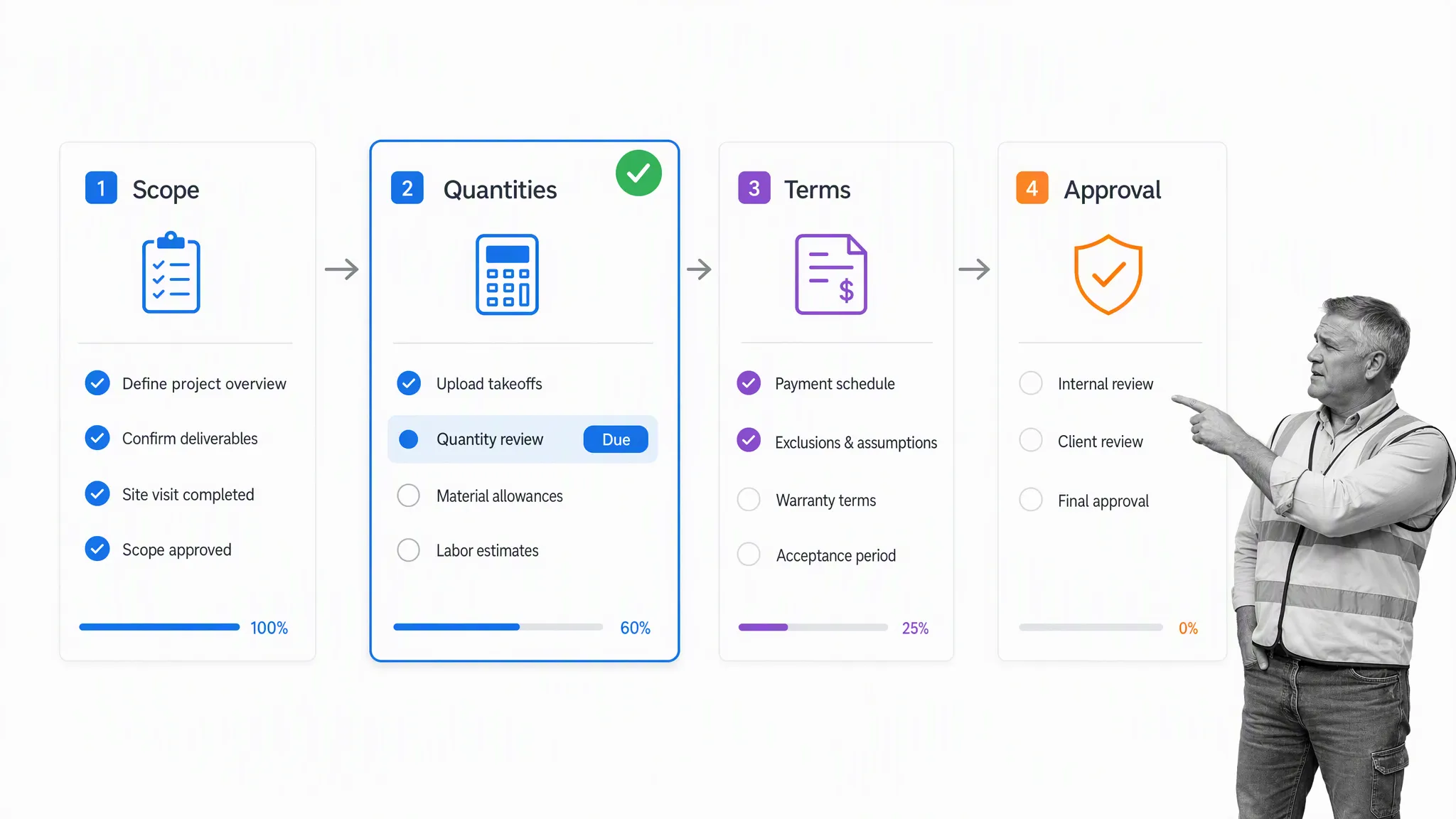
The Construction Proposal Template covers the broader proposal that often sits around a construction estimate. It helps you document project details, proposed work, costs, terms, and the approval process. Use it when a basic price breakdown is not enough and the client needs a structured proposal before the project can begin.
Although it is designed for construction projects, the template is also a demonstration of how an estimating process can be customized to particular needs. Run a new workflow for each individual project to track every proposal, maintain consistency, and keep instructional text beside the custom form fields that store the data.
Microsoft Word job estimate templates
Word templates are easy to edit, brand, and turn into a client-ready document. They suit work where you need room for a short narrative, project conditions, or proposal language alongside the price. Save a clean master copy before entering client information so each new estimate starts from the same approved format.
3. Andy Clarke Freelance Contract and Proposal
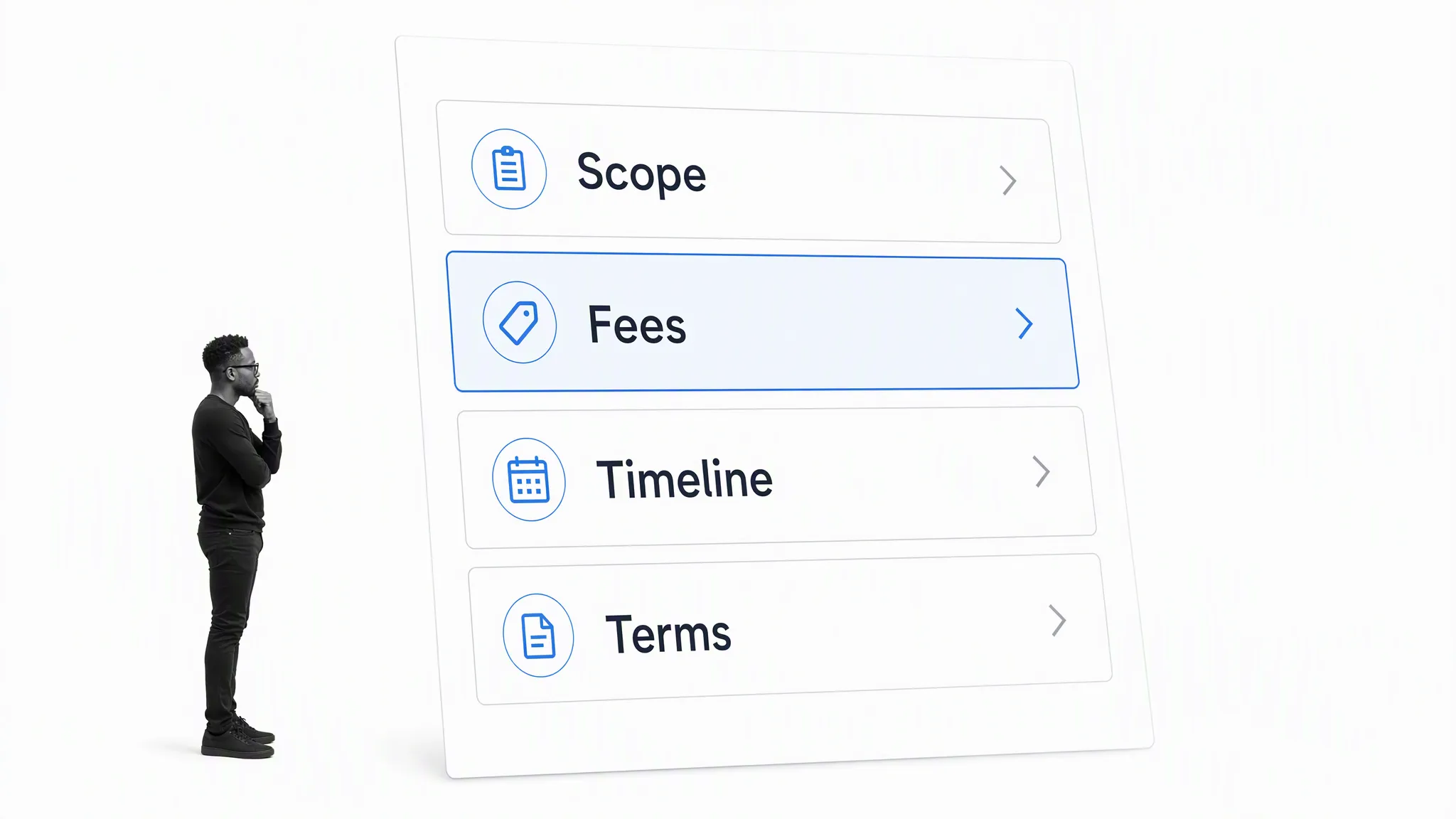
Andy Clarke’s Contract Killer is a concise proposal and contract companion aimed at freelancers. Its structure focuses attention on the scope, fees, timeline, and terms instead of filling the page with legal jargon. Published in 2008, it works best as a writing and structure reference rather than current legal advice. Adapt the terms with a qualified professional for your location and type of work.
Unlike a typical proposal with tables for items, services, unit prices, and a rough total, this format uses plain language to summarize the upcoming project for a potential client. Read the contract in its entirety before using it, and customize the specifics for the project at hand.
4. Cashboard Estimate Template
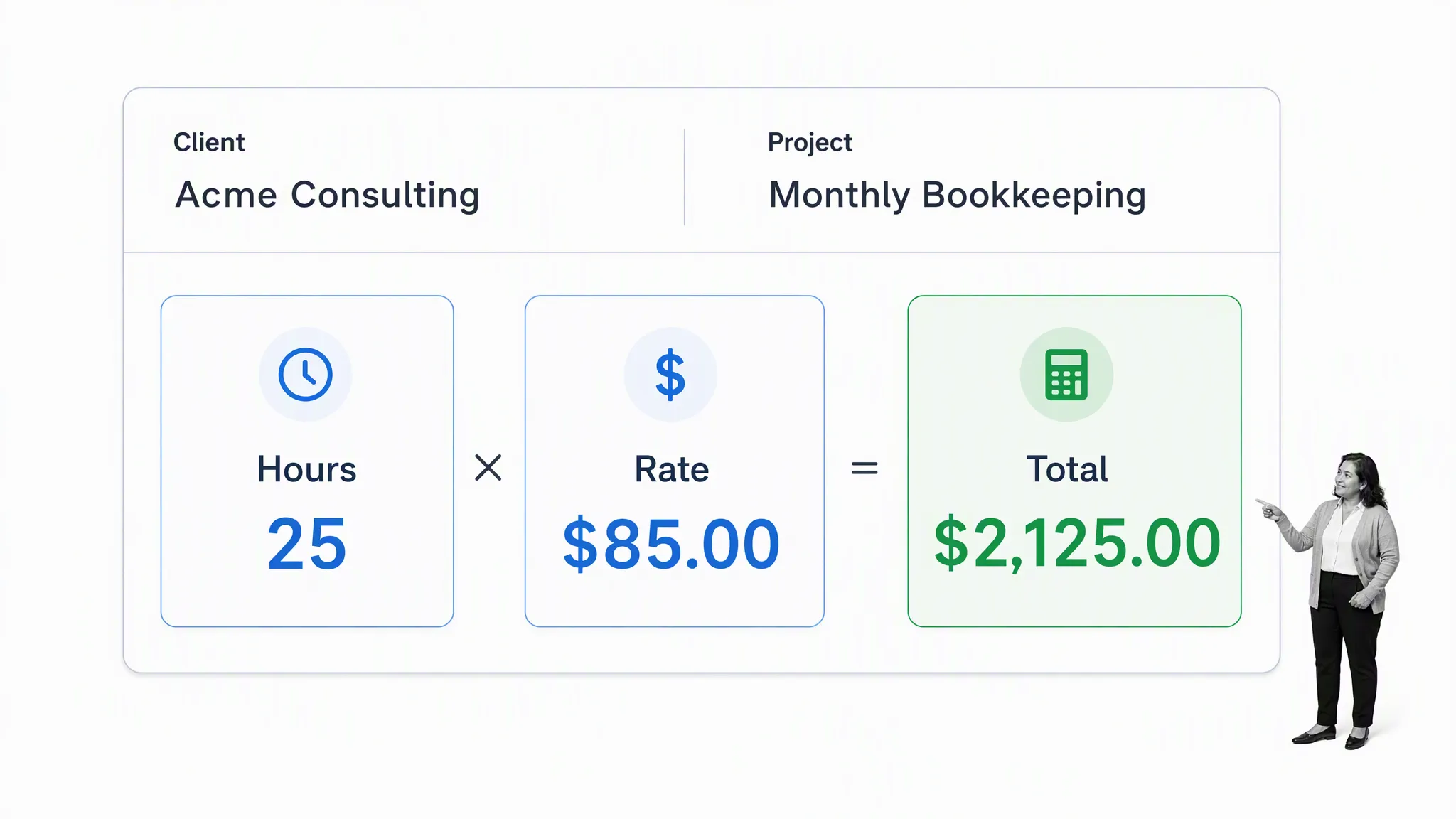
Cashboard’s free job estimate template uses a familiar Word layout for client details, services, hours, rates, taxes, and totals. It is a clean choice for consultants, agencies, and service providers who want a professional job estimate without a complicated spreadsheet. Add your own branding, payment terms, and estimate validity period before sending it to a client.
The design is as simple as they come, and sometimes that is all you need. It gives you ample room to define the various items and services involved, along with the time, quantity, cost, and specific terms and conditions. There is no set leaning to one industry, which makes the document versatile and usable with minimal edits.
5. FreshBooks Work Estimate Template
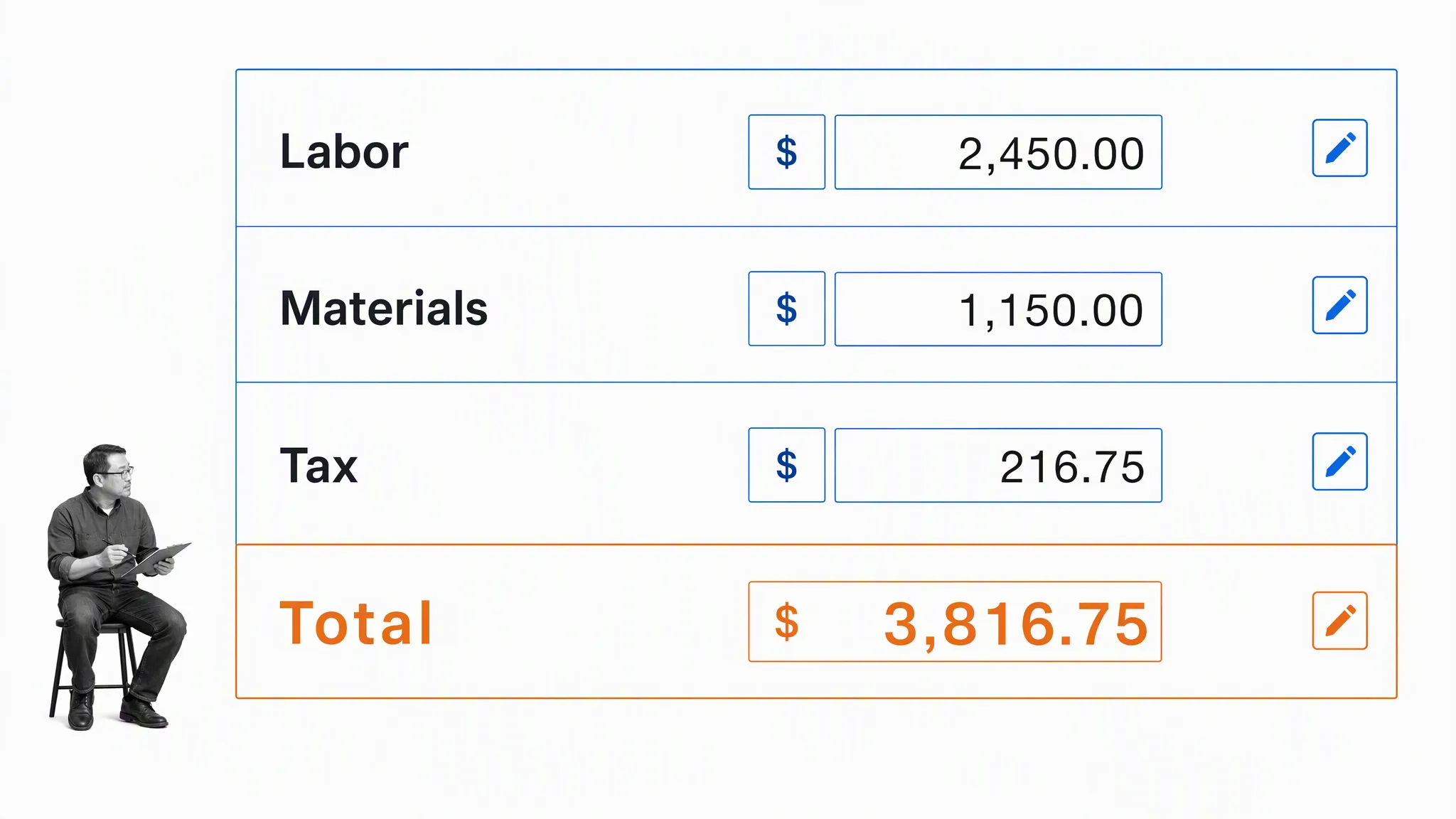
FreshBooks estimate templates provide editable formats for breaking a job into labor, materials, taxes, and the proposed total. They are useful when you want a polished document that a client can scan quickly. Choose the file format that matches your tools, then customize the fields and instructions so the document reflects how your business actually prices work.
A traditionally structured approach with clear tables and bold column headers can make the information easy to understand. Leave space for custom visual branding, but do not let a logo or decorative element compete with the scope and price. Clean and simple is usually better than cluttered and complex when a customer is deciding whether to use your services.
Excel estimate templates
Excel templates are best when the estimate depends on repeated calculations, multiple labor sources, material quantities, taxes, or a large number of line items. Formulas can save time and improve consistency, but they also need protection. Check references, currency, units, rounding, and tax assumptions before relying on the total.
6. BuildingAdvisor Estimating and Budgeting Spreadsheet
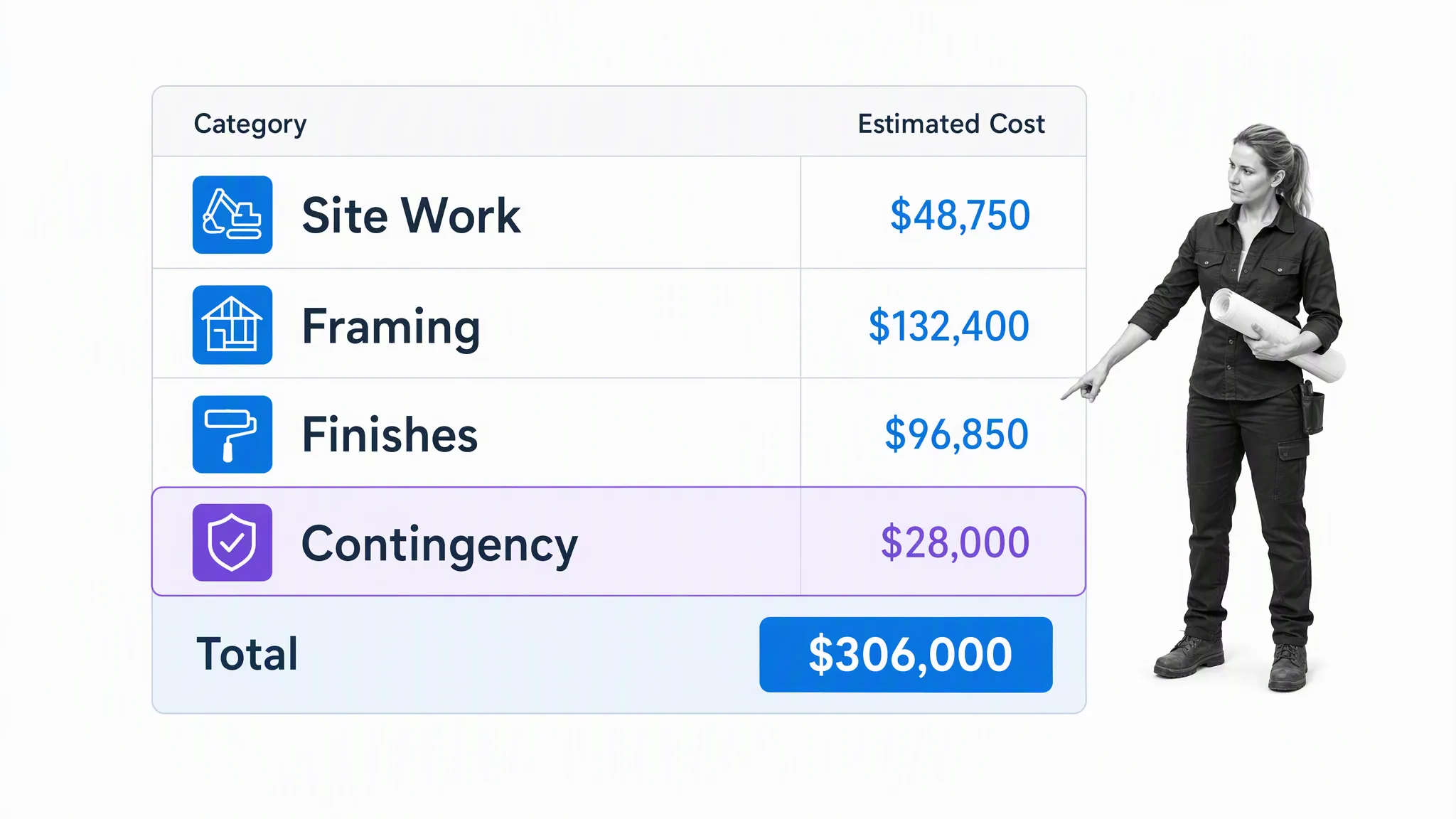
BuildingAdvisor’s estimating and budgeting worksheet is designed for construction projects that need a detailed cost breakdown. It separates areas such as site work, framing, finishes, and contingency so you can see where the budget is concentrated. The structured approach is helpful for large-scale jobs, but make sure the categories, allowances, and rates match your project rather than accepting the example figures.
The spreadsheet is highly detailed, with multiple sections and subdivisions. Costs for each element can be broken down and given a variance to allow room for differences in pricing. You may need to edit a fair bit of text for work outside construction, but the layout provides a strong starting point for presenting a detailed estimation.
7. Smartsheet Job and Work Estimate Templates
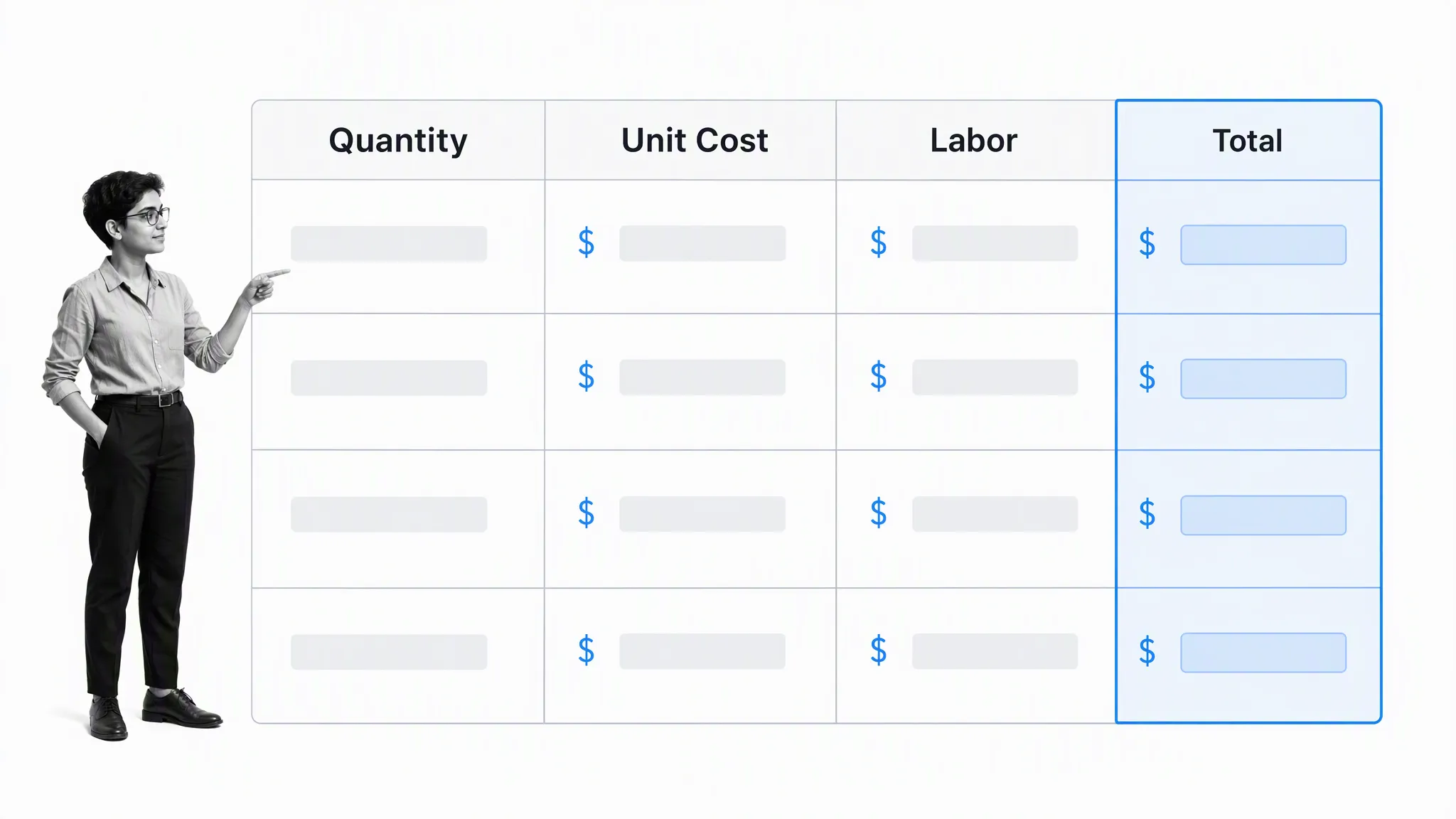
Smartsheet’s job and work estimate collection includes spreadsheet formats with columns for descriptions, quantities, unit prices, labor, and totals. These templates suit teams that want familiar Excel-style calculations with several formats to choose from. Keep the layout simple enough that a client can understand the estimate at a glance.
Capitalized or bold headers can help an intended audience see exactly which information is being presented. The main purpose is to maintain a structured approach without making the sheet feel blocky. Keep enough room for useful detail, then remove unused columns and empty rows before export.
8. QuickBooks Job Estimate Templates
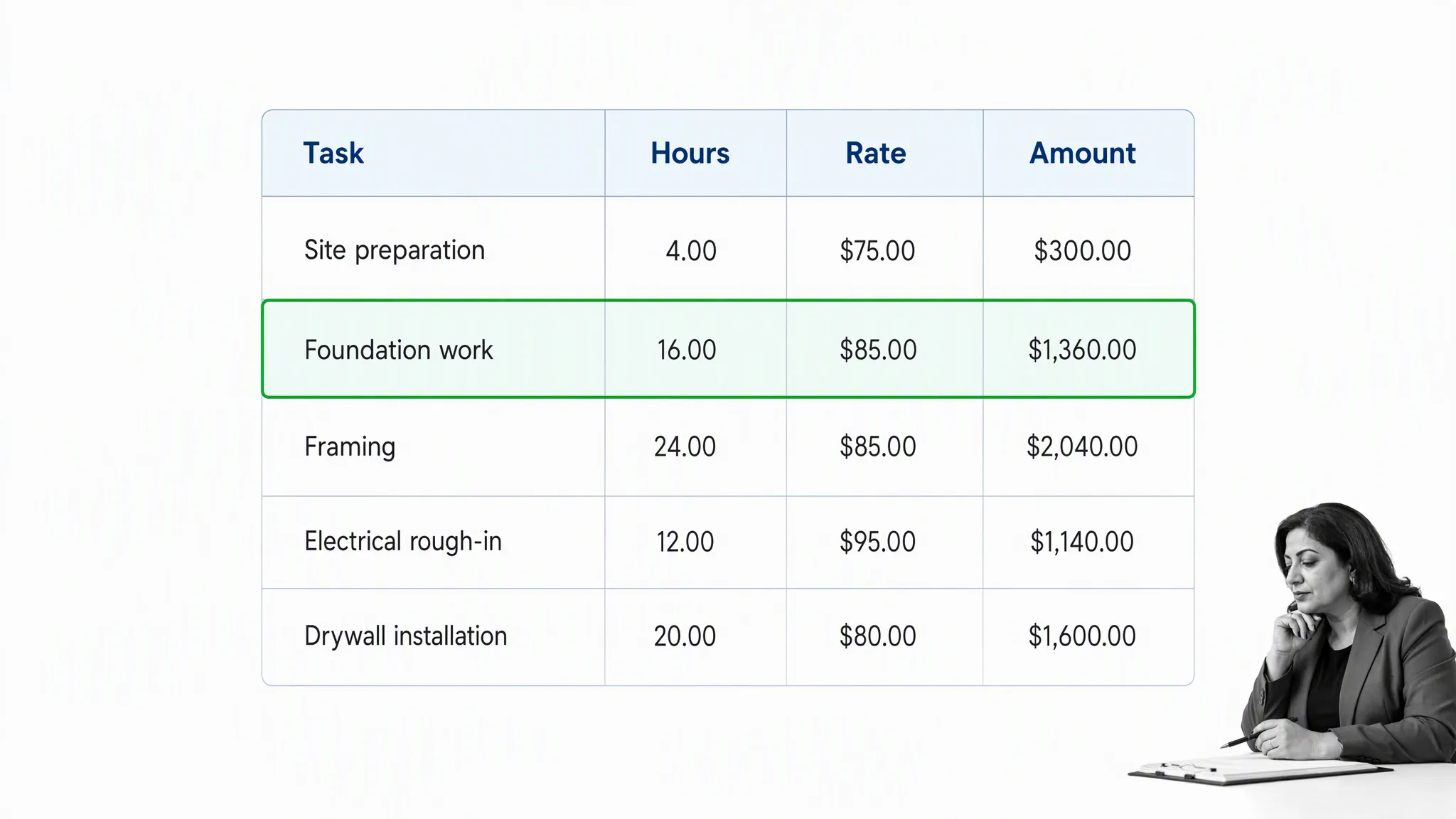
QuickBooks estimate templates offer a straightforward starting point for listing tasks or items, hours, rates, amounts, and a final total. They are useful for small businesses that want a recognizable accounting-oriented format. Review the template for any fields your business does not need, and add assumptions or exclusions where a bare line-item table could be misunderstood.
A concise document can summarize multiple jobs for a new or recurring client without wasting their time. Horizontal columns also make the figures easier to compare. The format should serve every purpose it needs to while keeping the entire proposal easy to scan.
9. Quote Templates Job Estimate Template
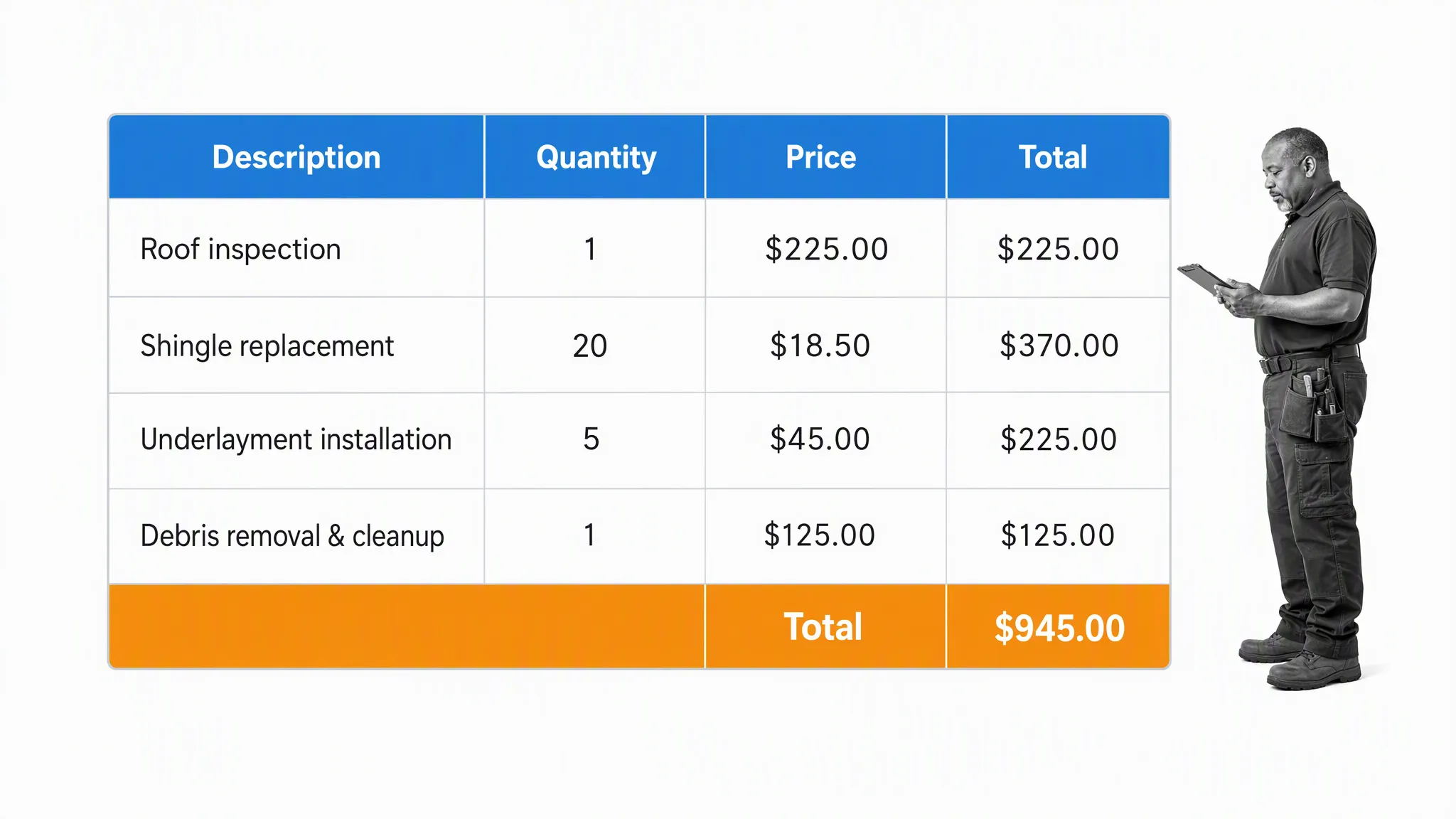
Quote Templates’ job estimate template provides a detailed table for descriptions, quantities, prices, and totals. It works well when materials and services need to be presented separately. Use consistent units and write descriptions that actively explain what the client receives, rather than relying on internal shorthand.
A useful added reminder is that estimated figures are not automatically set in stone. The quicker a client can scan the document and understand how much a task is likely to cost, the sooner they can answer. State how extra costs incurred during the project will be approved so changing expectations do not sour the relationship.
10. Samplewords Basic Job Estimate Form
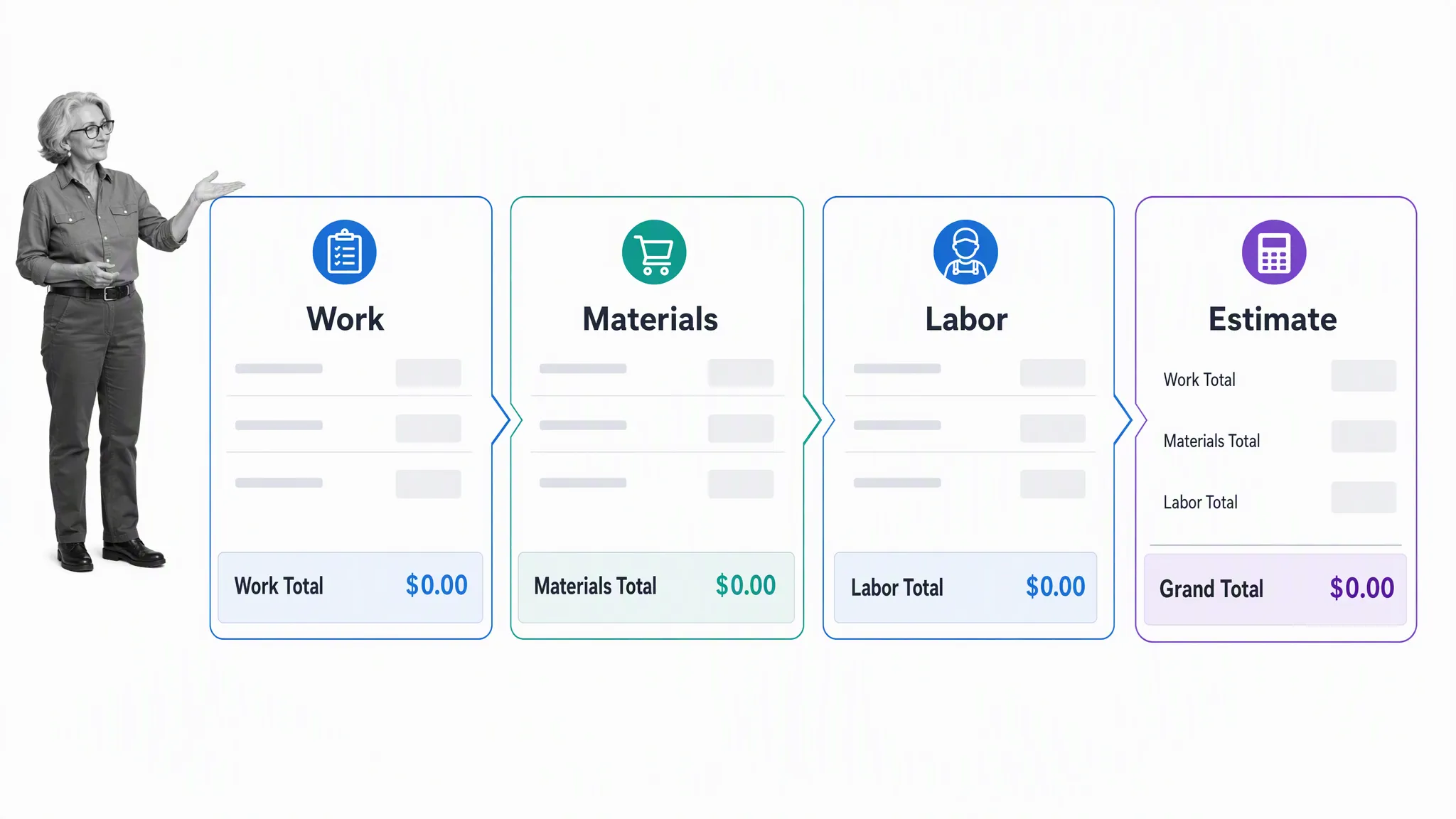
Samplewords’ basic job estimate form is intentionally simple. It gives you space for customer information, a description of the work, material and labor costs, and the estimate total. That makes it useful for a small or routine job where a highly detailed estimation model would create clutter without helping the client make a decision.
Its greater segmentation lets you present each element at a glance. Describe the work separately from material costs, labor costs, product subscriptions, and any extra charges that may be required. The form is not the most elaborate option, but the direct layout supports transparency and effectiveness.
11. Vertex42 Job Estimate Template
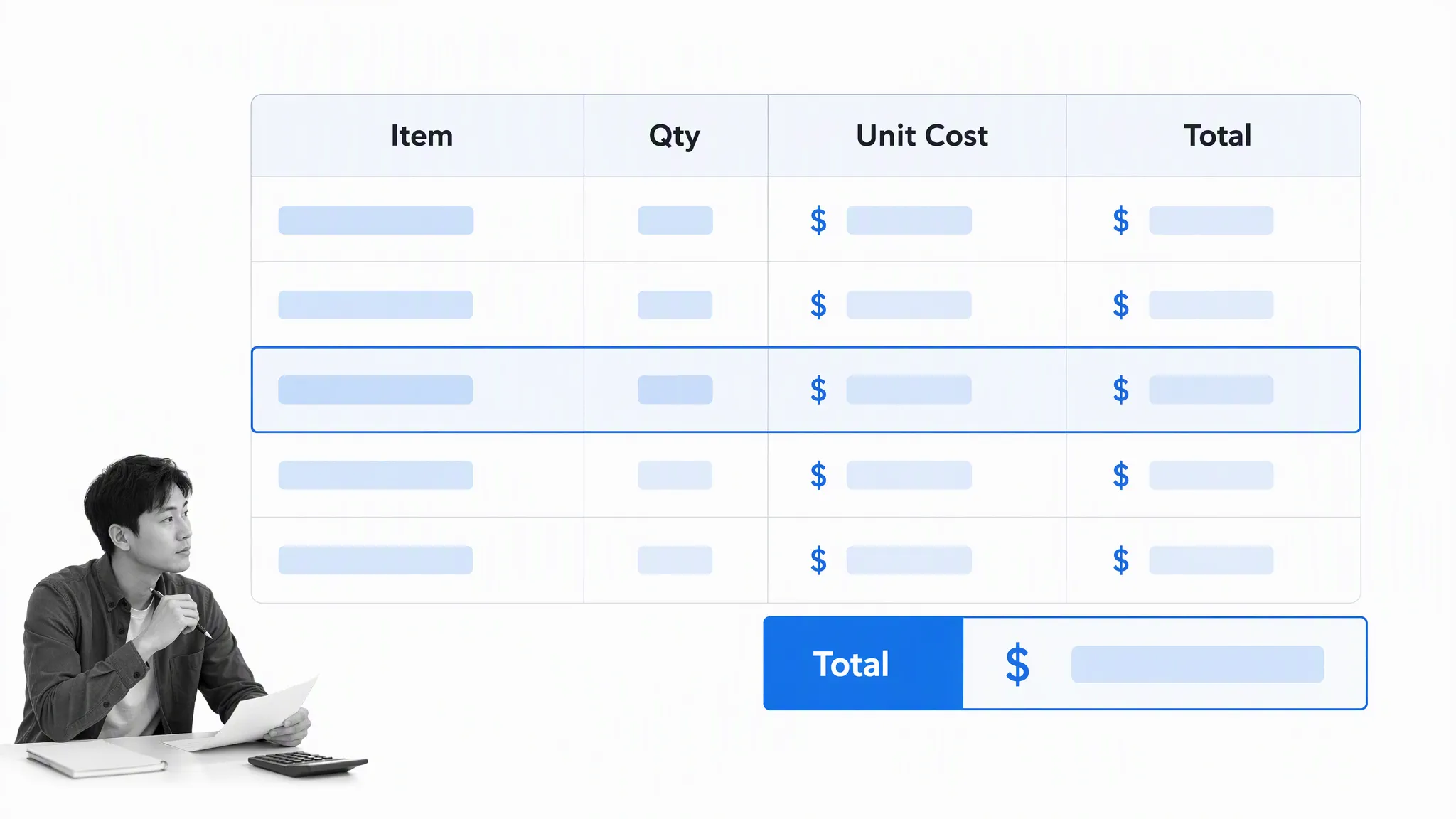
Vertex42’s job estimate template is an Excel-based job estimate with editable line items, quantities, unit costs, taxes, and totals. It combines a professional document layout with spreadsheet calculations. Check every formula after adding or deleting rows, and keep a locked master version to avoid accidental changes to the calculation model.
Instructions beside key elements make a spreadsheet easier to edit, from entering the current date to changing the currency used in the total price calculation. That guidance can get a document up and running without forcing you to create an original design.
PDF estimate templates
PDF templates are useful when you want the client to see a stable layout that is less likely to shift between devices. Some PDFs are fillable, while others need to be edited in a document tool before export. Always open the final file on a second device and confirm that text, totals, and signature areas are visible before sending it.
12. Invoice Penguin Estimate Template
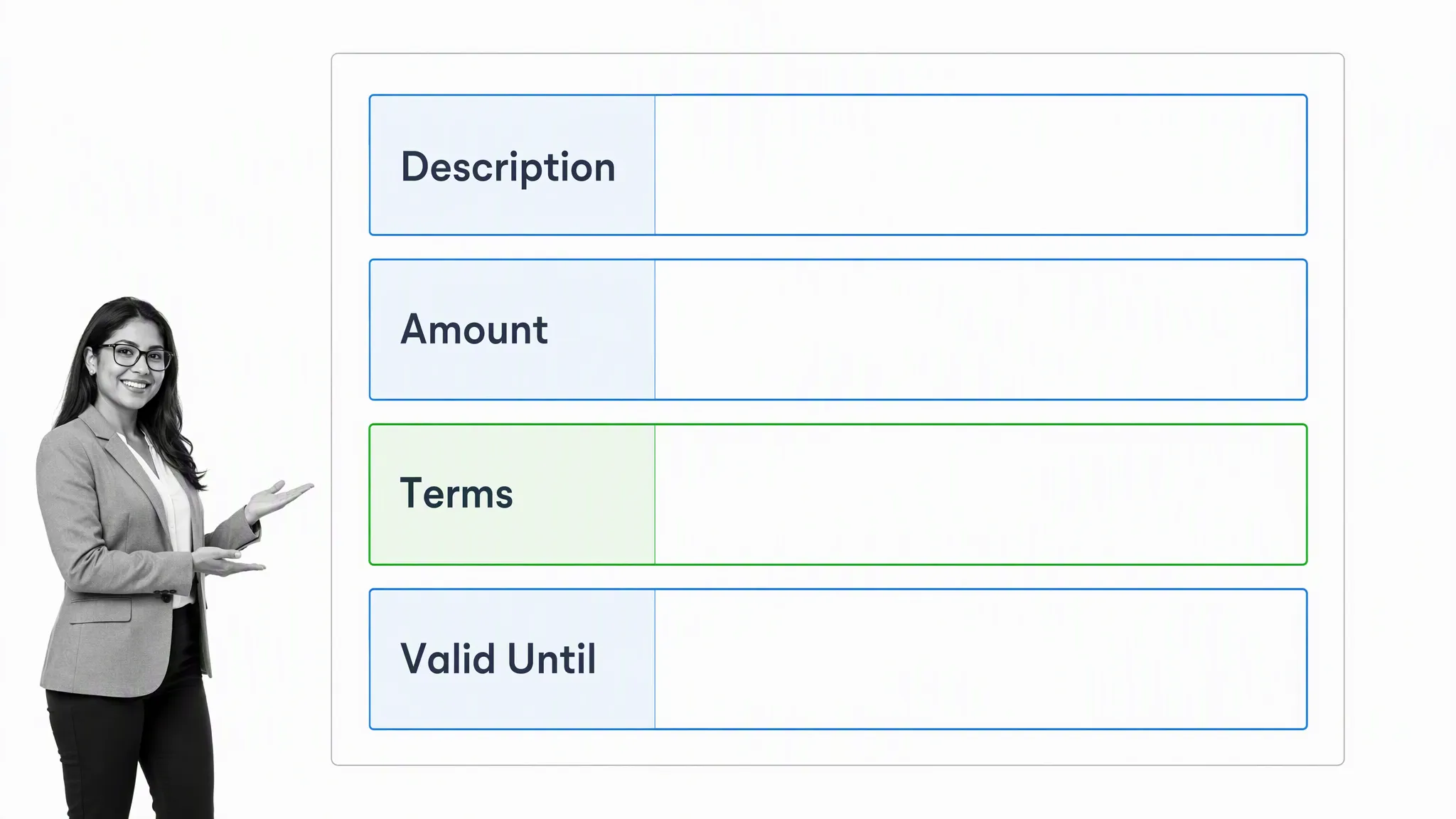
Invoice Penguin provides a web-based way to create a simple estimate and export a client-ready document. It is a practical replacement for older downloadable PDF forms when you need to enter business details, client information, line items, terms, and a validity date quickly. Review the generated document for branding and required business information before use.
A PDF can dedicate more room to explaining a project in your own words, followed by a short estimated job cost. That is useful for marketing projects, design work, and other services where the majority of cost comes from experienced labor and the challenges presented need more description than a material list provides.
13. Uniform Software Engineering Estimate Template
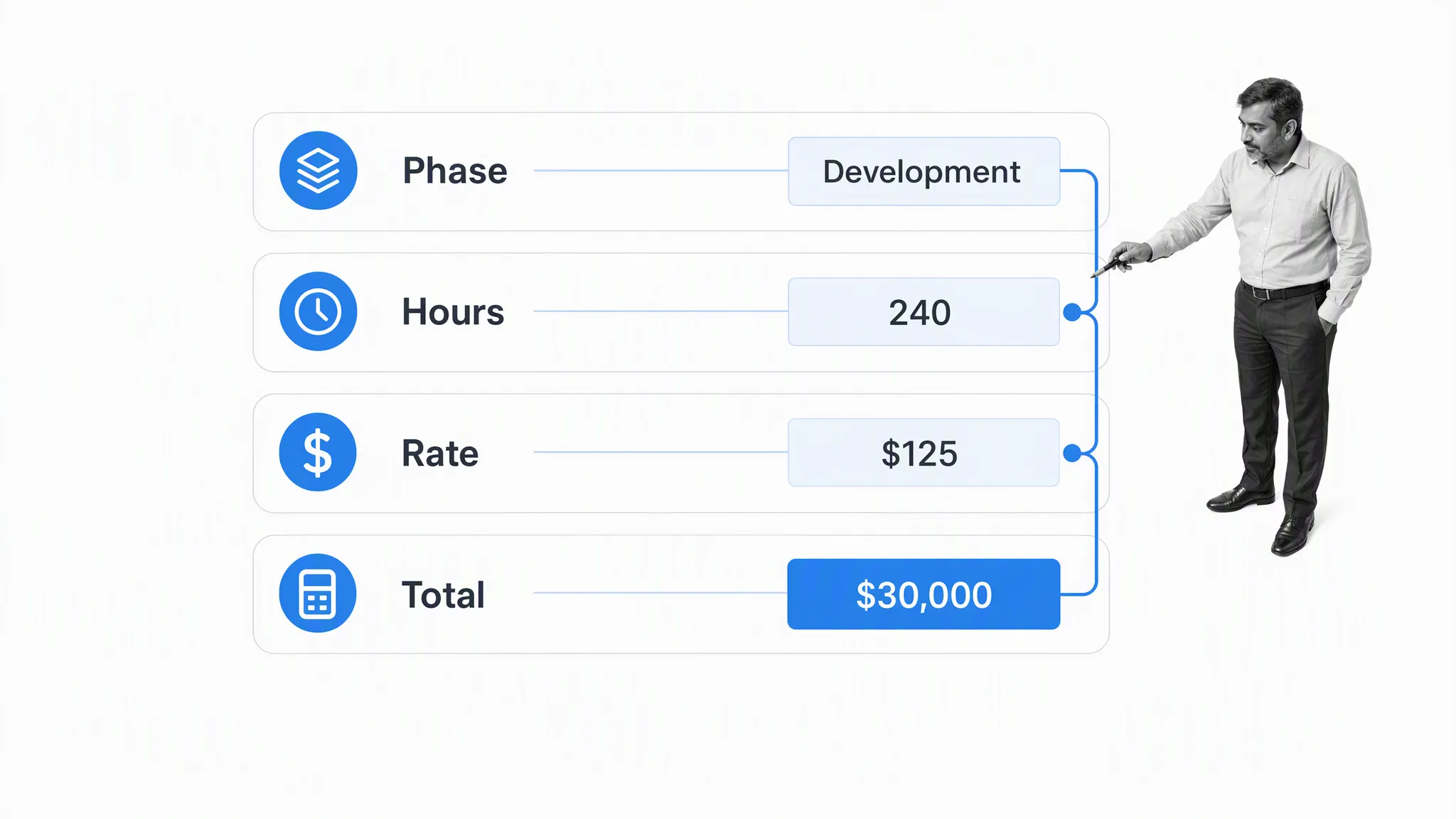
Uniform Software’s engineering estimate template is aimed toward technical work where hours, rates, phases, and proposed totals need to be recorded clearly. Its structured fields make it easier to explain how the price was calculated. Engineering work can involve uncertainty, so document assumptions, dependencies, and change conditions instead of presenting a rough figure as a guarantee.
The same framework can be edited to suit another profession, particularly work dealing in physical products priced by measurements such as length, width, or weight rather than number alone. A detailed total price breakdown should leave room for the applicable taxes and any other required charges.
14. Template Trove Job Estimate Template
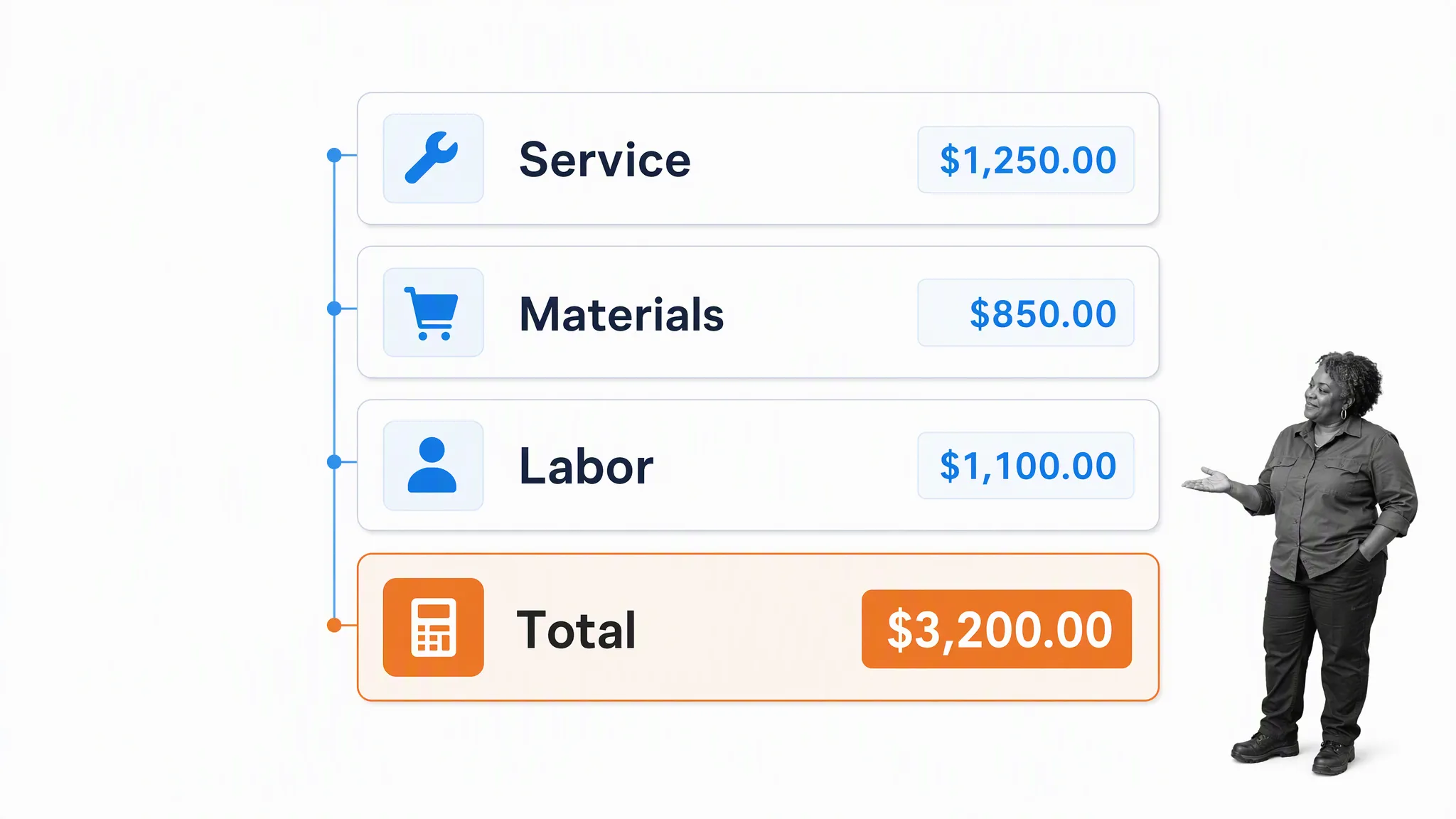
Template Trove’s job estimate template is a straightforward document for summarizing service, materials, labor, and the proposed total. It suits businesses that need a basic functional form with room for their own details. Add a clear scope, estimate number, date, expiration period, and acceptance instructions so the document can be tracked later.
Large-scale operations can involve abundant materials, multiple labor sources, and varying pay grades. The estimate can quickly become complicated, but a document that is too complicated may alienate the client. Clearly define the teams involved, the cost of each element, and any miscellaneous details while keeping the final summary readable.
How do you create your own estimates?
A template provides the structure, but a useful estimate depends on the information you put into it. Start with the client’s actual request, inspect the work where necessary, and separate what is known from what is assumed. The goal is to give the client enough transparency to make a decision without hiding the conditions that could change the price.
- Identify the client and job. Add business details, client contacts, the job location, an estimate number, and the current date.
- Define the scope. Describe the products or services included and state the deliverables in language the client can read easily.
- Calculate labor. Estimate the hours by role or task, apply the relevant rates, and allow for the actual complexity of the work.
- Calculate materials and other costs. Record quantities, units, prices, subcontractors, travel, equipment, permits, and other charges.
- Add taxes, markup, and contingency. Apply them consistently and explain any allowance that could change.
- State assumptions and exclusions. Clearly define what is not included, what the client must provide, and how changes will be handled.
- Set terms and validity. Include payment terms, deposit requirements, schedule assumptions, and the date when the estimate expires.
- Review before sending. Check calculations, spelling, client details, attachments, and approval requirements. Keep a copy of the version sent.
Document the basis of estimate
A basis of estimate explains how the estimate was built. It records the scope, source data, estimating method, labor rates, material prices, assumptions, exclusions, risks, and contingency behind the total. For a simple job this may be a short section. For construction, engineering, or another complex project, it can be a separate supporting document.
This record makes differences easier to discuss when the project changes. It also helps another reviewer understand whether the estimate used supplier quotes, historical costs, measurements, standard rates, or professional judgment. Keep the basis of estimate with the approved version so the number is not separated from the reasoning that produced it.
Estimate, quote, proposal, and invoice differences
- Estimate: A good-faith prediction of cost based on the information currently available.
- Quote: Often a more definite offer for specified work and terms, although legal meaning varies.
- Proposal: A persuasive document that combines the recommended solution, scope, value, timing, and price.
- Invoice: A request for payment for work or products supplied.
Do not rely on the label alone. The wording, acceptance process, attached terms, and local law determine the effect of the document. If a job has substantial legal or financial risk, have your estimate and contract process reviewed by qualified counsel.
Estimate template FAQ
The post Every Free Estimate Template You Need (The 14 Best Templates) first appeared on Process Street | Compliance Operations Platform.