











Download Your Free Microsoft Word Checklist Template
Blog: Blog | Process Street | Compliance Operations Platform

A Microsoft Word checklist template is an editable document with ready-made checkboxes and task rows. Use it when you need a simple list you can customize, save, print, and share without adopting new software.
Download the free Microsoft Word checklist template. The file includes fields for the checklist name, owner, date, due date, tasks, and notes. Open it in Word, replace the blank rows, then save your own copy.
Download your editable Word file
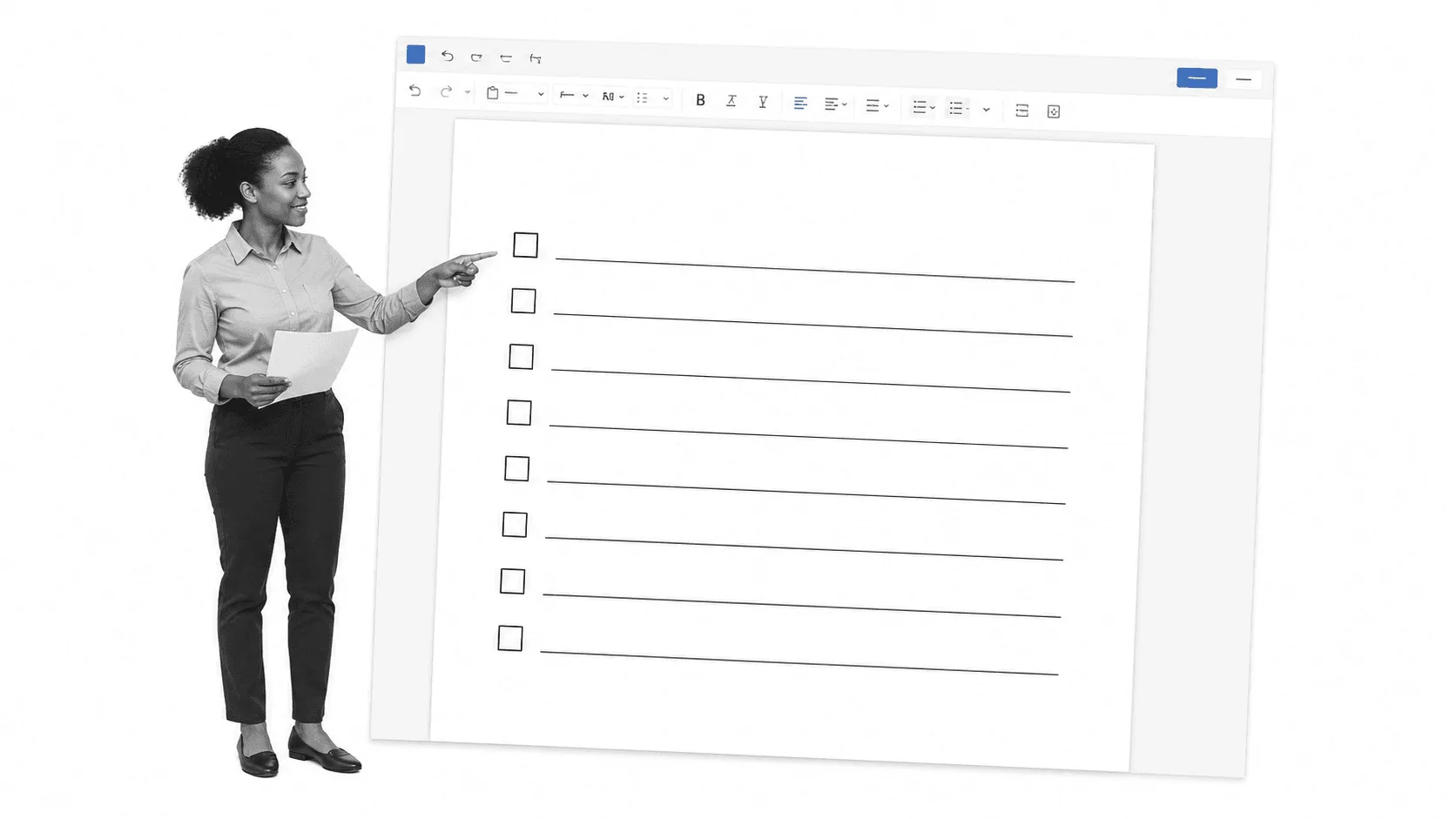
The blank checklist works well for one-off jobs, personal reminders, inspections, packing lists, and any situation where a printed page is genuinely the easiest tool. The square boxes are also useful on screen when you want a visual status marker without a complicated setup.
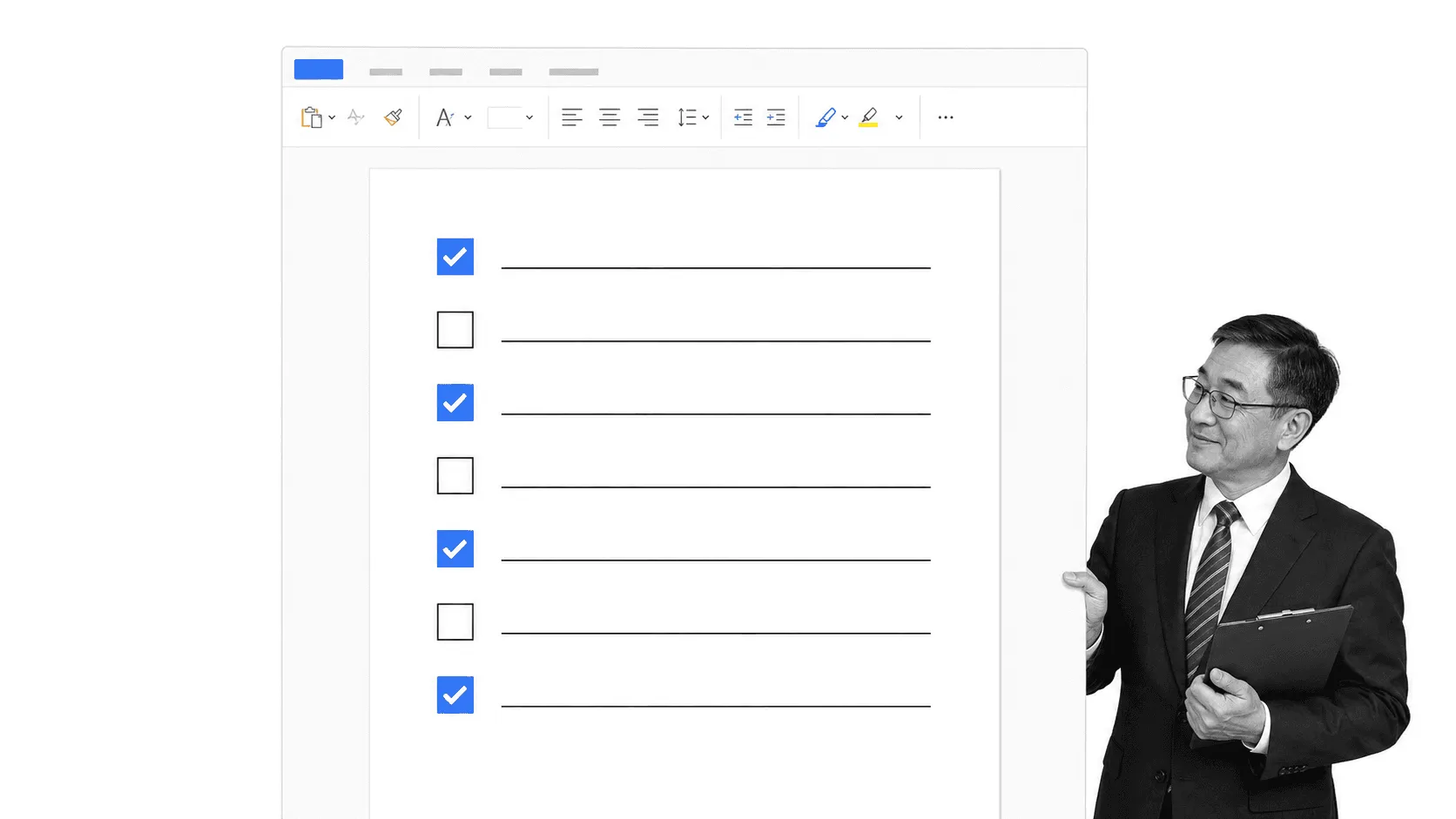
The template is easily customizable inside Word if you want to include more or fewer boxes or pages. Below is what it looks like as a full page. Simply change the title to whichever list you are making, or alternatively print it out and fill it in. If the checklist will be reused, save your edited version as a Word template file with the .dotx format. That gives you a clean starting copy each time.
For a clickable checklist, enable the Developer tab and insert a Check Box Content Control beside each task. If you only need a printable version, the square symbols already in this download are enough.
Make it fit your work
- Name the outcome. Replace the heading with a specific result, such as “Prepare the weekly payroll file.”
- Write one action per row. Begin each task with a verb so the next move is obvious.
- Add ownership and timing. Use the owner and due date fields whenever another person depends on the work.
- Test the order. Run through the list once and move any step that appears too early or too late.
- Protect the master. Save a reusable template before anyone marks tasks complete.
There is a bit of trouble associated with paper checklists, however. If you have a lot of papers around, they can get lost. They take up storage space, cost money for ink and paper, are not searchable, and cannot be shared with others easily. A paper page can also be left at home or ruined when you accidentally spill coffee over it. A Word file solves the editing problem, but it does not automatically solve ownership, reminders, approvals, or reporting.
Know when Word is enough
Use Word when the work is short, local, and low risk. Move to an interactive workflow when the same process happens repeatedly, several people participate, or you need evidence that every required step was completed. This comparison of workflow templates in Word and workflow management software explains that decision in more detail.
A daily routine is a simple example. A printed page may be perfect for a personal routine. A team routine benefits from assigned steps, due dates, comments, and a record of each run.
Open the daily routine checklist in a separate tab if you prefer.
Move recurring work into Process Street
Process Street is a single Compliance Operations Platform. Its Docs and Ops capability areas, plus built-in AI, help teams document procedures, run recurring work, assign responsibility, collect approvals and evidence, and improve how work is performed.
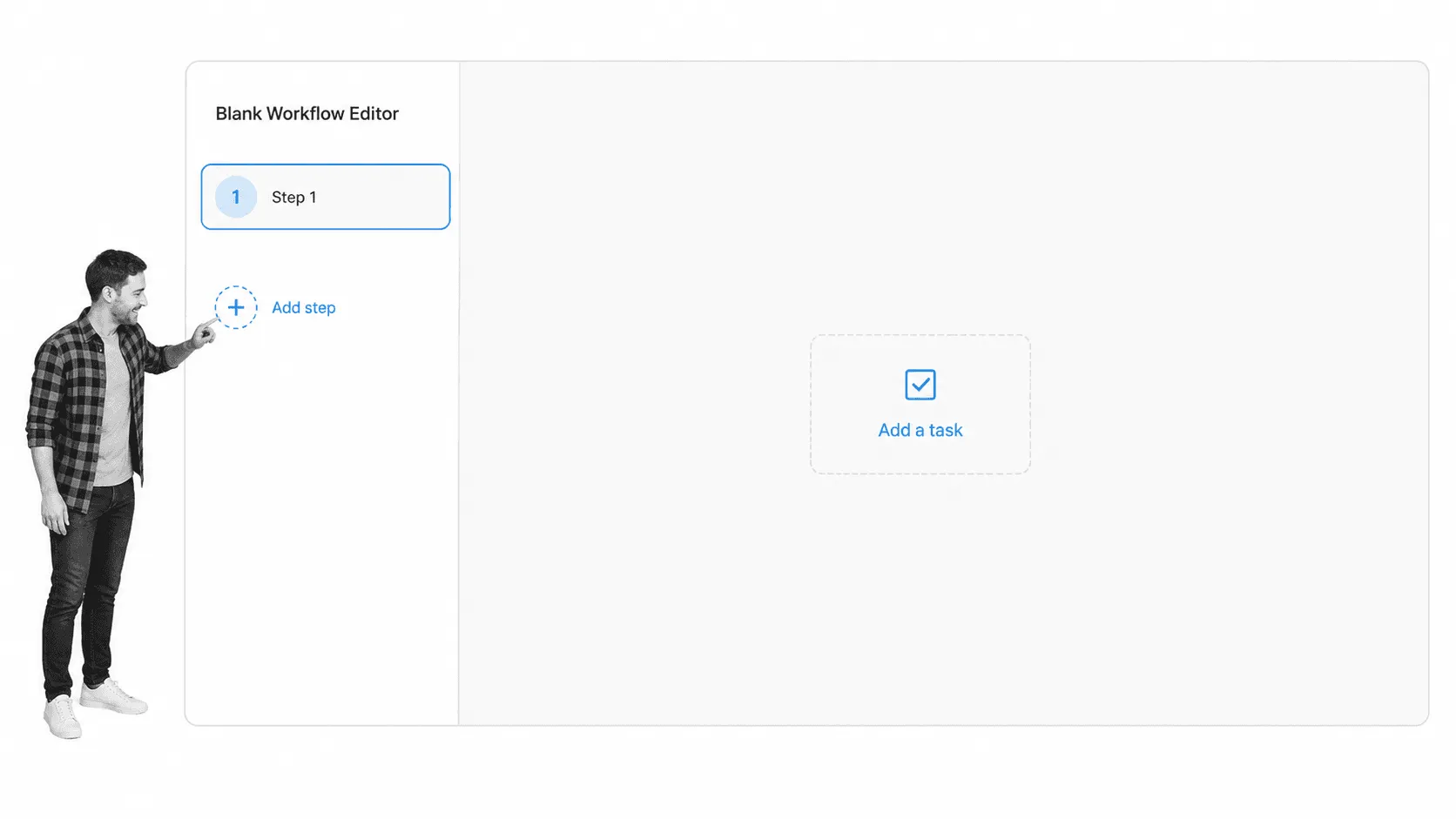
Start with a blank workflow and turn each important checklist item into a task. Keep the sequence focused on the outcome instead of copying every note from the Word file.
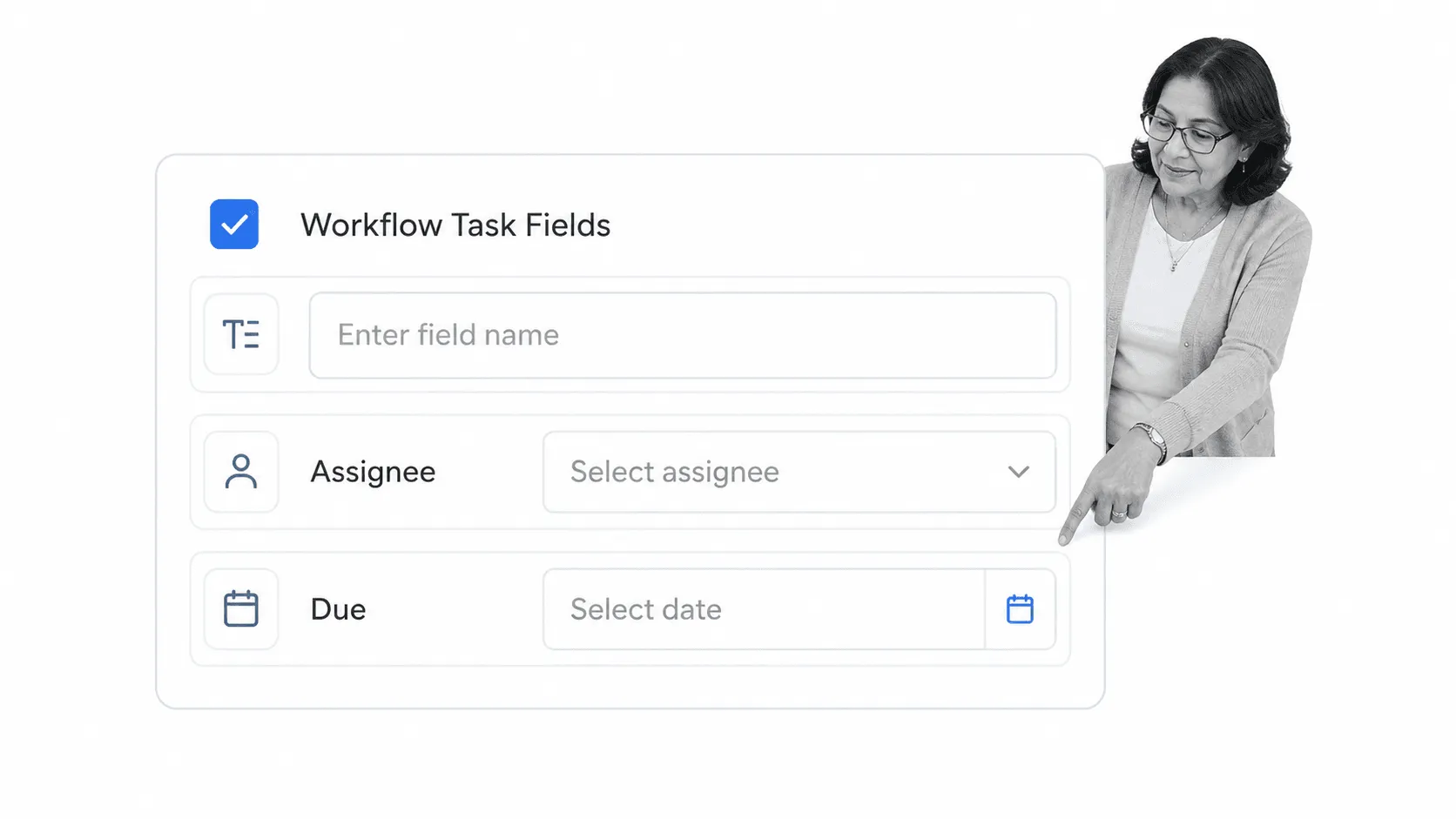
Add form fields where the person doing the work must record information. Assign the right owner and set timing rules so responsibility is visible before the work begins.
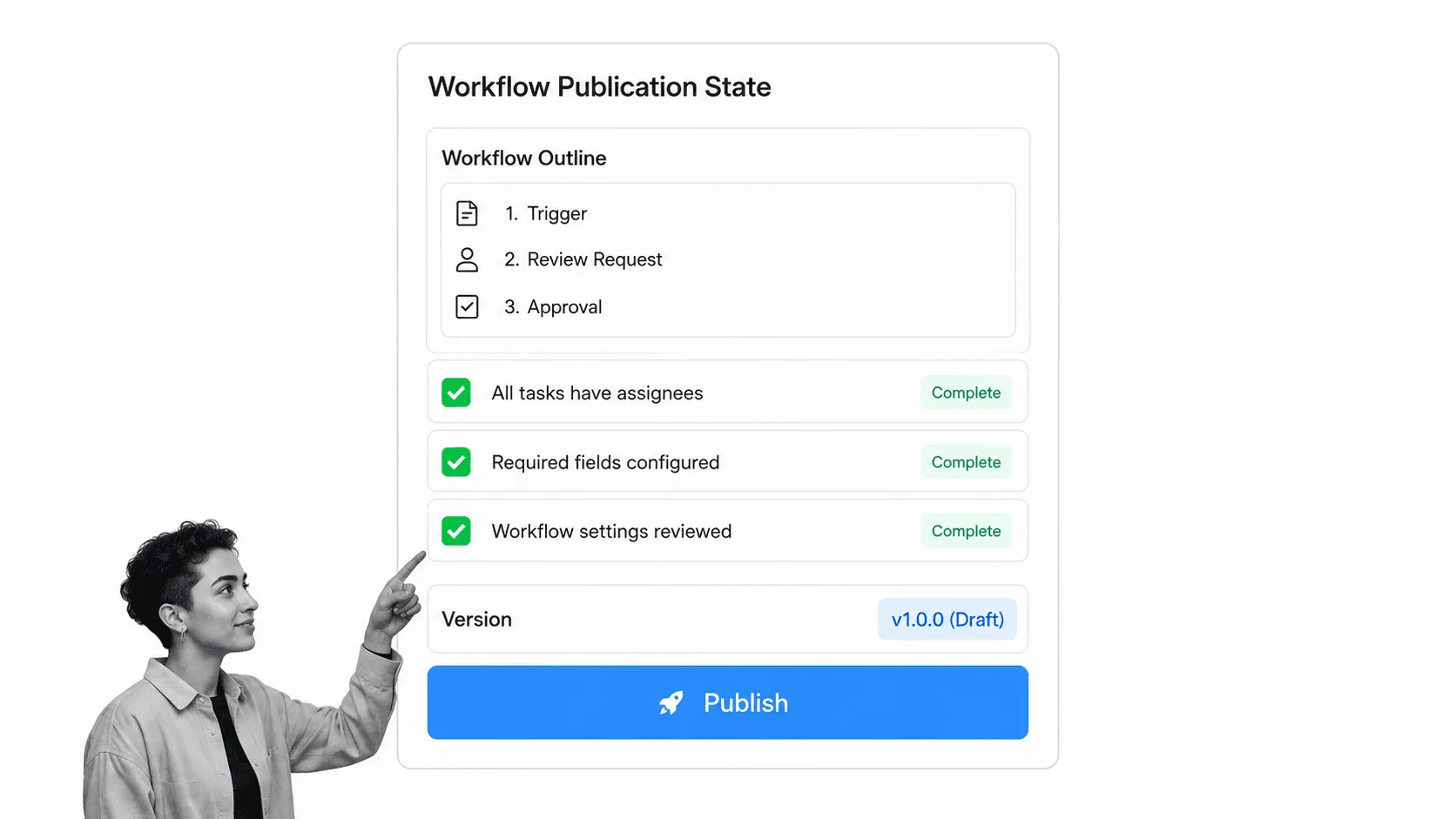
Review the instructions, permissions, and required fields, then publish one controlled version. That prevents people from working from several slightly different copies.
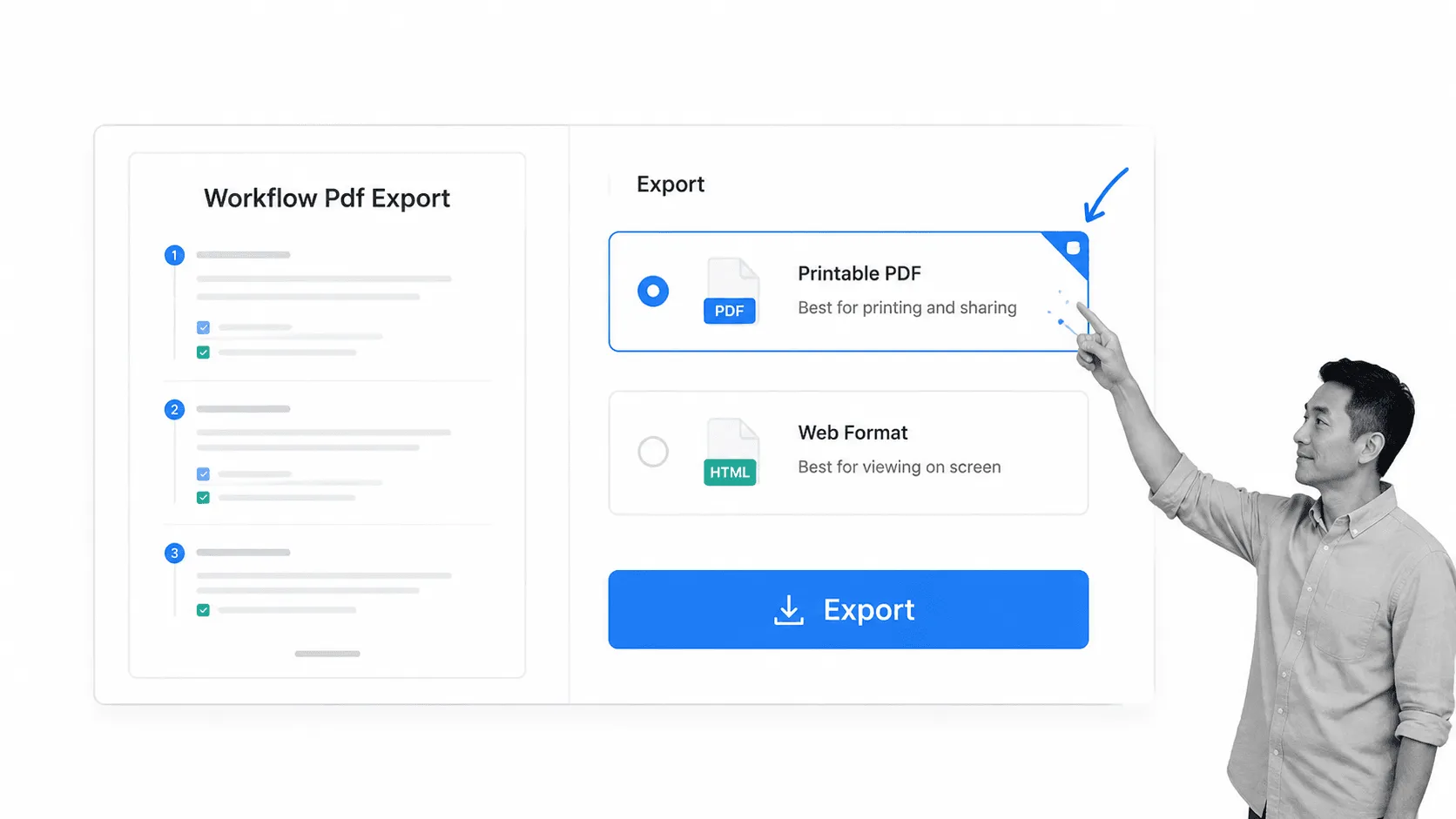
If someone still needs paper, export the workflow as a PDF using the current workflow export options. The printable copy remains available without making paper the system of record.
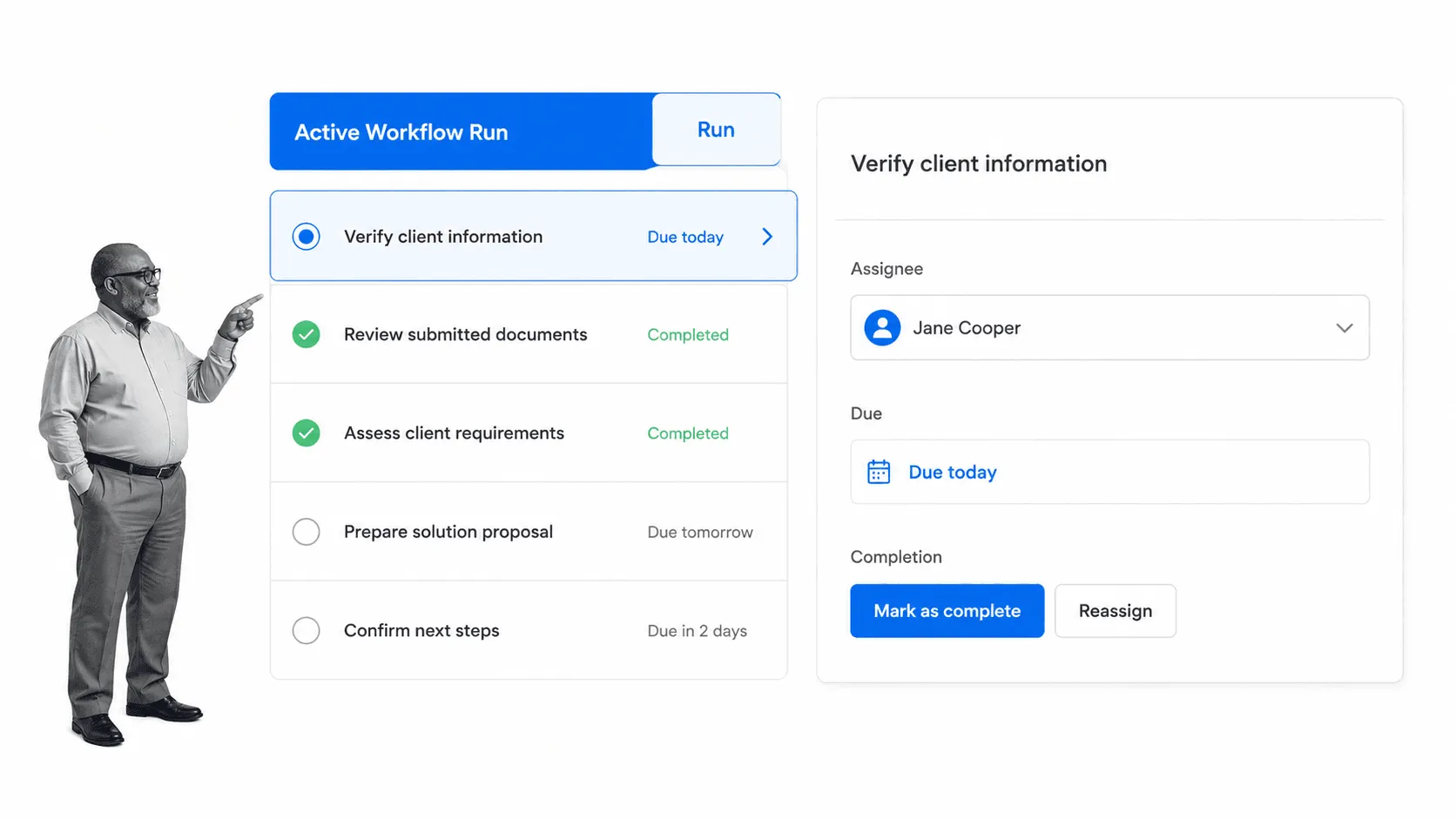
Instead of printing the checklist out every time you want to fill it in, use the electronic equivalent by clicking Run inside Process Street. Give the checklist run a name and start ticking the boxes off as you work through it. You can add comments to the steps to give yourself and your co-workers more information.
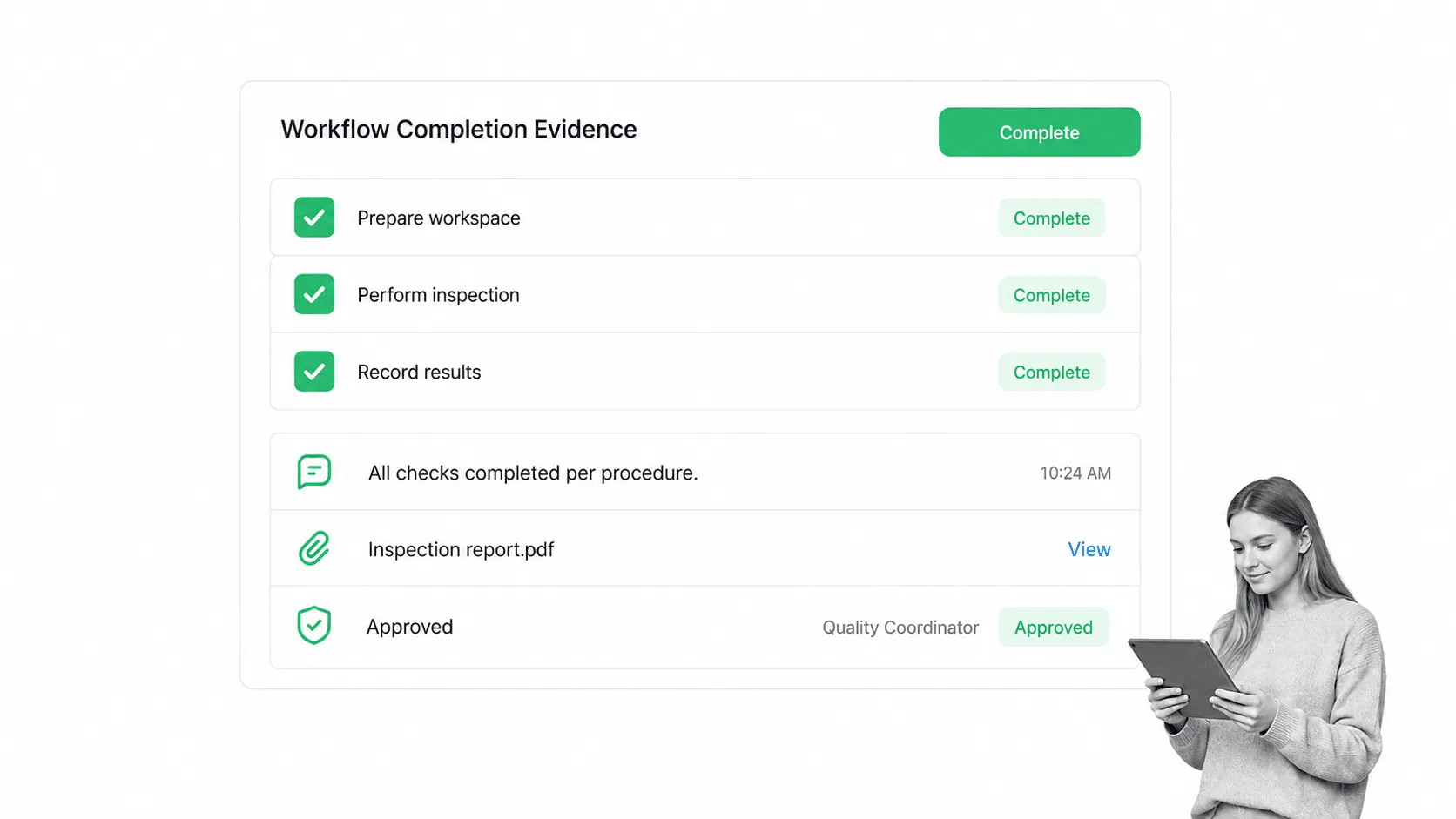
Completed runs keep comments, evidence, and approvals together. That gives managers a reliable record, makes recurring bottlenecks easier to find, and lets the procedure improve without replacing everyone’s personal copy.
- Collaborate with anyone in the world over the same checklist in real time.
- Attach files, images, and videos to the checklist when they provide useful evidence.
- Track progress over a number of days from your operational reports.
- Automatically schedule a checklist to run at a certain time and date.
- Make the checklist for co-workers and assign them tasks with it.
- Start a fresh run without altering the reusable instructions or taking up storage space, paper, or ink.
For a one-time list, download the Word file and get moving. When the checklist becomes a process that other people rely on, start a Process Street trial and turn the same practical steps into controlled, trackable work.
The post Download Your Free Microsoft Word Checklist Template first appeared on Process Street | Compliance Operations Platform.