











Are Your Useless Tools to Blame for Bad Project Management?
Blog: Blog | Process Street | Compliance Operations Platform
Is bad project management causing you to abandon important projects? Are useless tools to blame, or does the problem go deeper?
Bad tools can create friction, but projects usually fail through a combination of unclear goals, weak ownership, poor planning, communication gaps, unmanaged risk, and disconnected systems. Software can amplify those problems. It cannot repair a process nobody follows.
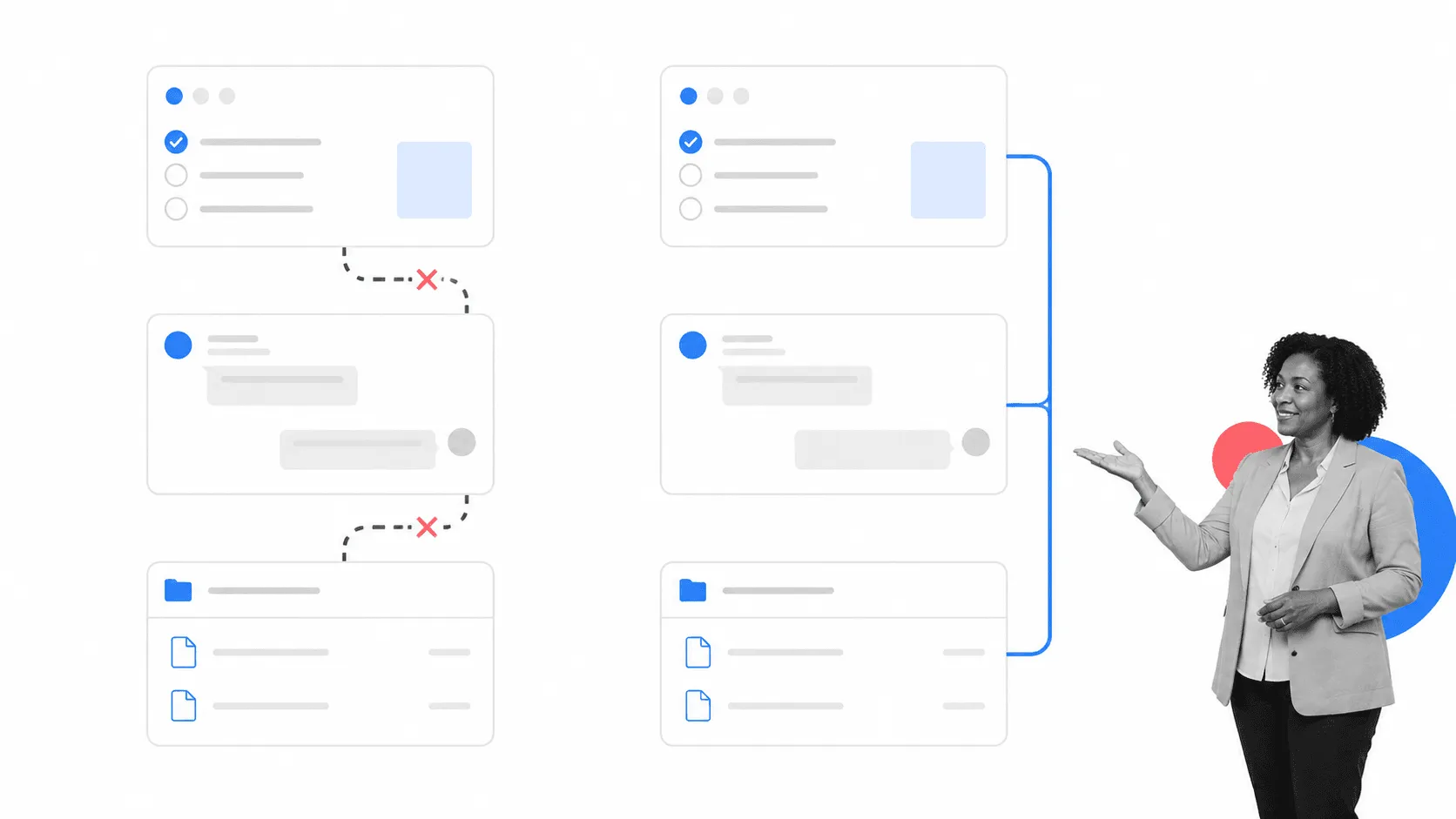
Tool fragmentation still matters. When a team has to copy the same update between project management tools, chase decisions across chat and email, or rebuild context every time work changes hands, execution slows down. The problem is not the number of apps by itself. It is the number of manual handoffs between them.
Companies offering project management software often fall short as one-stop solutions, forcing companies to rely on several tools used in conjunction. On a general level, switching between different tools can drastically reduce productivity. Separate project management tools do not always integrate, meaning project managers waste time transferring data between tools as part of their everyday workflow.
Without collaboration, task management, and integrations, project managers have no choice but to split their workflow between several tools and fall into the trap of entering the same data in multiple tools for every task. It is easy to blame the products, but the companies choosing to use them are also at fault.
That is why the answer is rarely one perfect project management tool. Teams need clear operating rules for where work starts, who owns it, how changes are approved, and which system holds the current record. Without those rules, adding software can create more places for information to disappear.
Microsoft Project once carried much of the blame in this article. That framing is too simple. Microsoft sells Project separately from Microsoft 365, supports integrations beyond Microsoft products, and is retiring Project Online on September 30, 2026 as its cloud work-management strategy moves toward Planner and AI. The lesson is not to avoid one vendor. It is to avoid a tool that does not fit the way your team plans, communicates, and executes.
Collaboration, task ownership, and reliable integrations remain basic requirements. If any of them are missing, people compensate with duplicate data entry, side spreadsheets, status meetings, and memory. Those workarounds are symptoms of bad project management, not a durable operating system.
Why bad project management goes deeper than software
Software adoption fails when the operating model is vague. A team can buy a powerful platform and still struggle because nobody agrees on the goal, work enters through five different channels, priorities change without control, or decisions are not recorded where the work happens.
Current research on work fragmentation reaches the same underlying conclusion. Asana’s State of Work Innovation research describes large amounts of busywork and weak information flow between teams. Microsoft’s Work Trend Index shows how constant interruptions break concentration during core work hours. The software landscape has changed, but the management problem is familiar: people cannot execute well when context, ownership, and decisions are scattered.
Good project management starts before tool selection. Define the outcome. Break it into work that can be owned. Set the decision rights. Decide how scope changes, risks, approvals, and blocked work will be handled. Then choose software that supports those rules without forcing the team to invent a shadow process around it.
Project managers therefore need more than execution expertise. They need enough strategic context to connect daily work to the business outcome, recognize when the plan no longer fits reality, and make tradeoffs before missed steps become missed deadlines.
How to avoid these problems and make project management work for your company
Start with the way work should move, then choose tools that make that path easier to follow. The goal is not a bigger software stack. It is a connected system in which people know what happens next and managers can see whether the process is working.
Choose tools that integrate
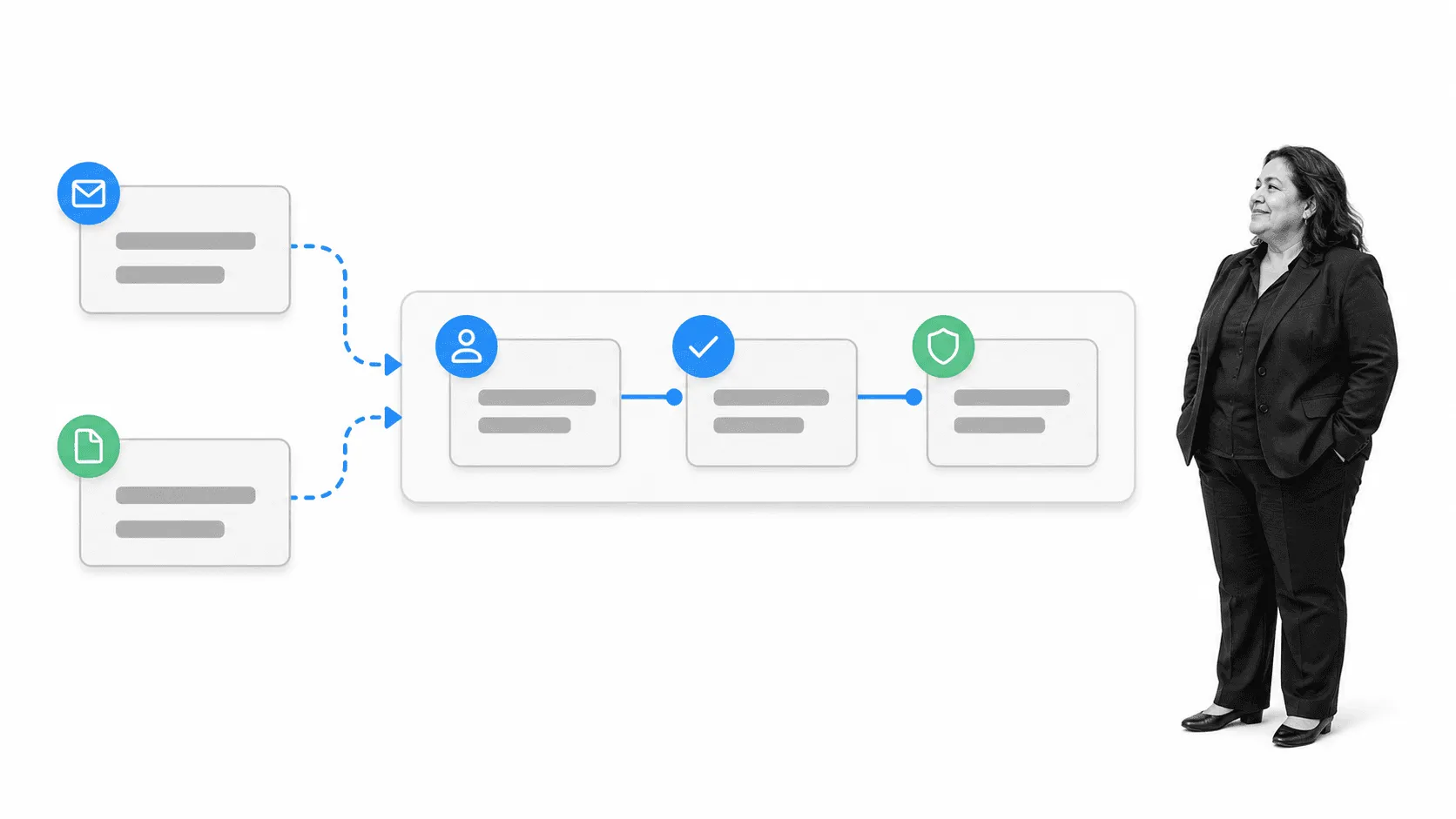
Integrations are connections between tools that automate the transfer of data. You might integrate emails with Trello to create Trello cards out of emails and cut down on copying and pasting. Another example is uploading certain Dropbox files to Asana, saving time moving files around. If you find yourself doing a lot of data entry or updating multiple apps with the same information, an integration should remove that issue. Automation should remove work that would take humans huge amounts of time to complete. It should also preserve the context, owner, and next action. A connection that creates another unowned notification does not solve the problem.
Process Street is a Compliance Operations Platform that brings governed SOPs, automated execution, and built-in AI into one product. Docs and Ops are capability areas inside the platform. Process Street has direct, universal integrations to 5,000+ systems. Need a new one? An AI agent builds it on the fly. This keeps procedures, owners, evidence, and execution connected instead of scattering them across documents and status updates.
When evaluating a project stack, test the handoffs that matter: intake to plan, plan to task, task to approval, approval to system of record, and completed work to evidence. For a broader comparison, see these collaborative project management tools.
Choose a project management tool with task management features
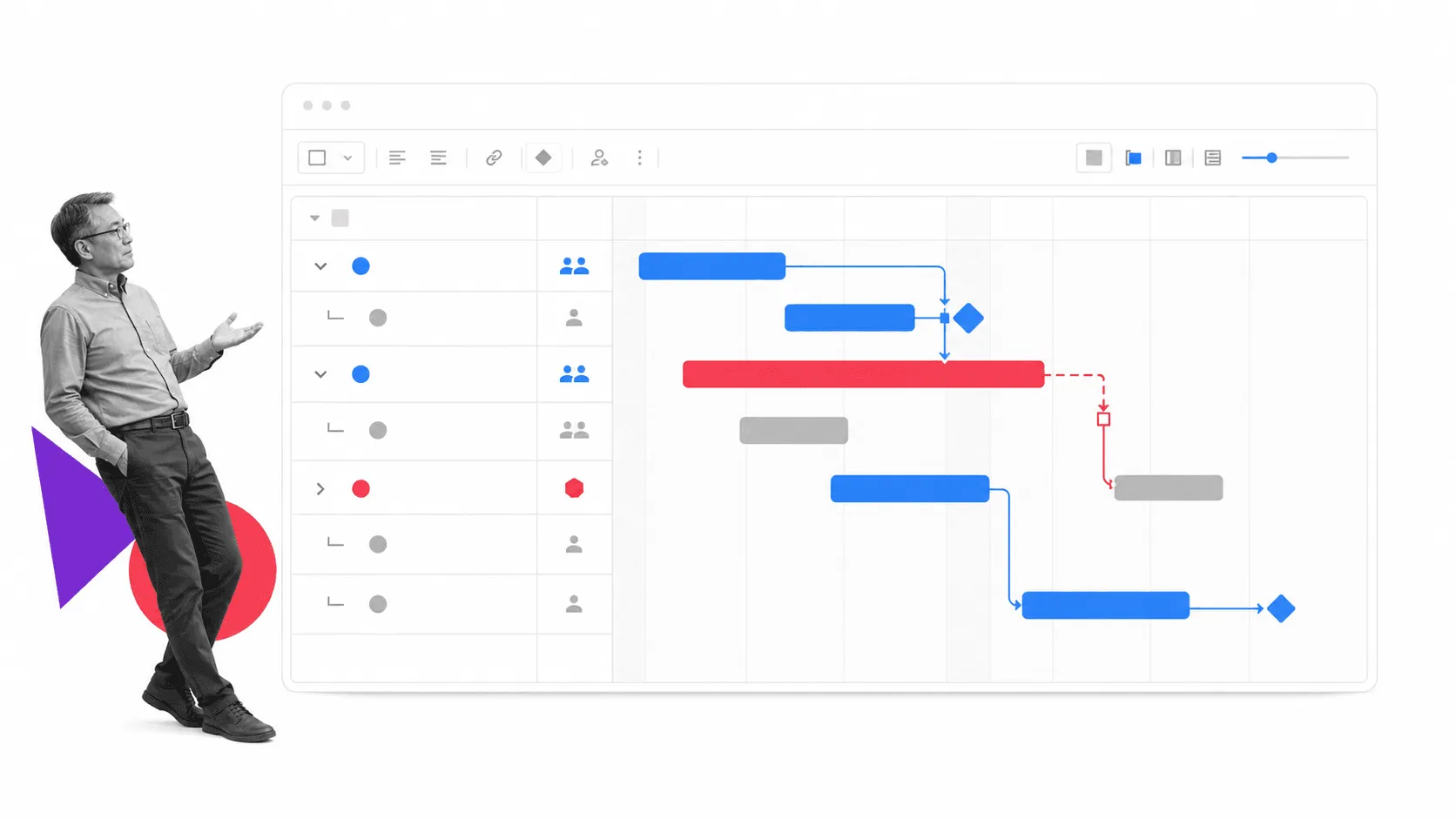
A project plan is useful only when it turns into owned work. Trello and Asana let teams add and assign tasks within projects, as well as see the tasks that are assigned to them. The tool should also set priorities and due dates, show dependencies, and make blocked work visible. Jira adds deeper dependency, workflow, and reporting controls for more complex delivery environments. Choose a more flexible tool when the current software has limited task management options.
Task features should also expose the cost of change. If one delayed task affects three downstream approvals, the team needs to see that dependency before the deadline slips. The same applies to scope. A new request should enter through a visible change path with an owner and decision, not arrive as an informal message that silently rewrites the plan.
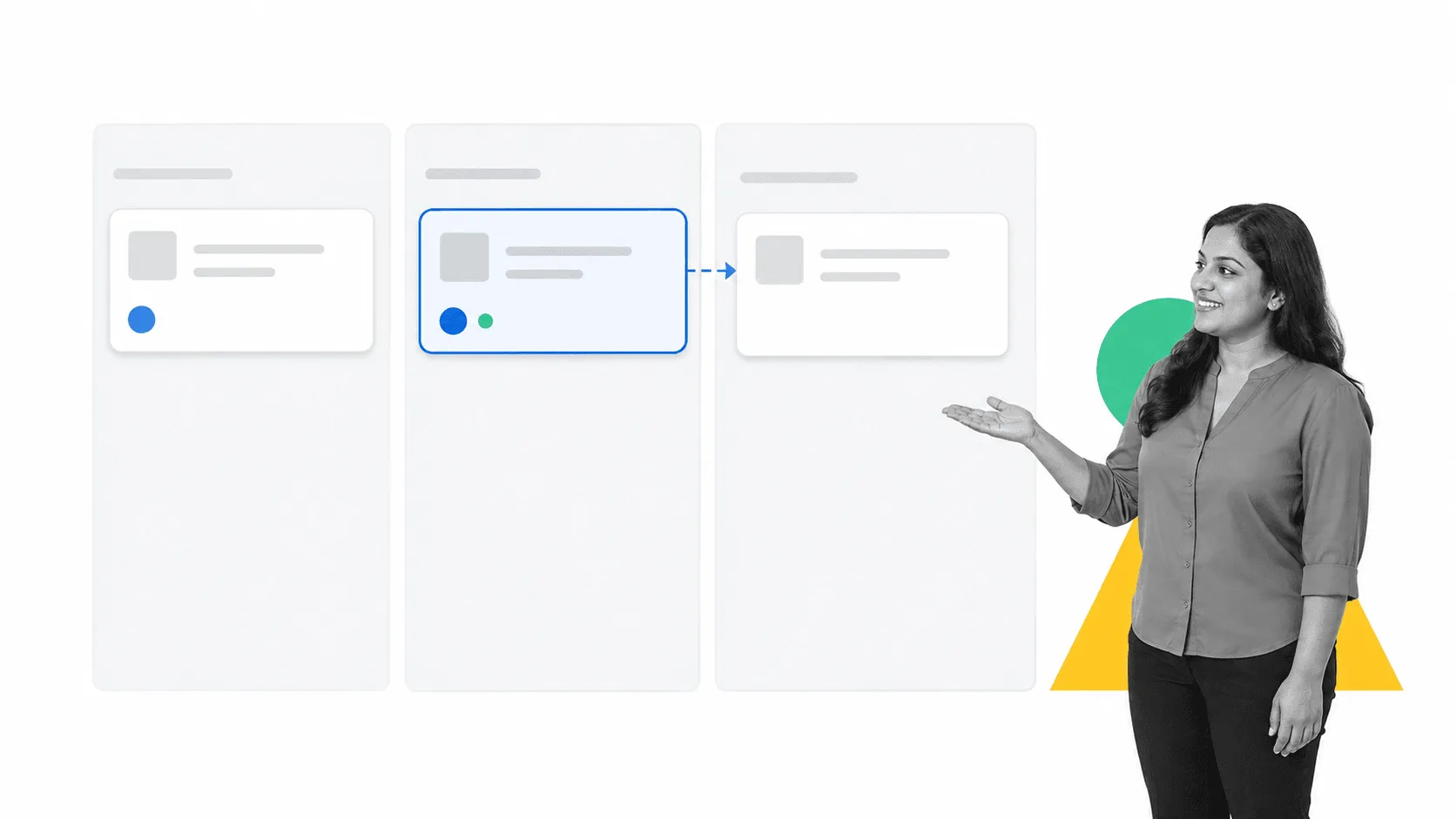
Personal task management can still sit beside the shared project system. A simple pattern is to route an assigned Kanban card into a personal task inbox, then prioritize that inbox each morning. The shared project record remains intact while the individual gets a focused daily view.
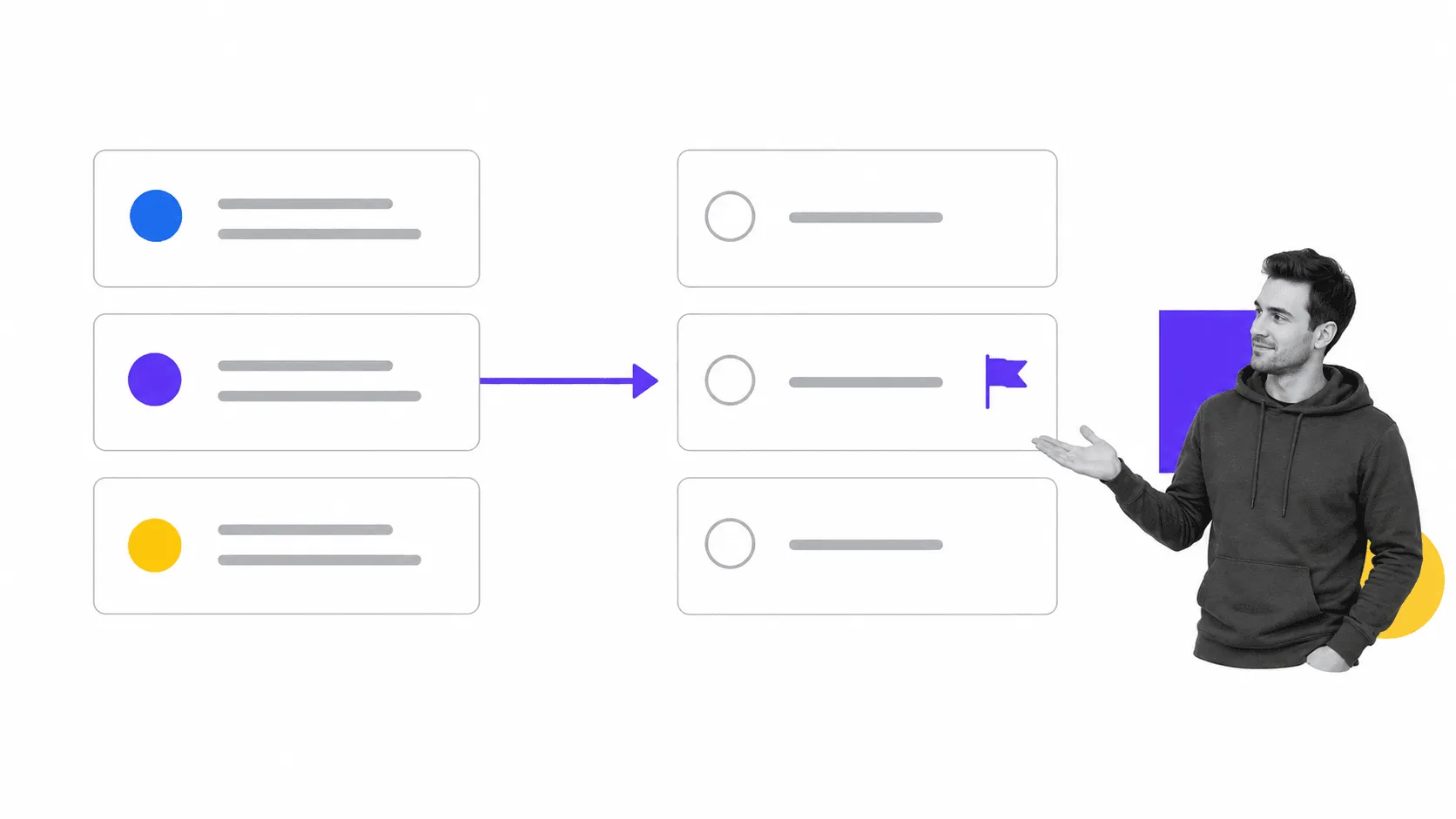
Every morning, review unprioritized tasks and assign them a due date. Give each important task an owner or a clear reason to wait. This does not affect anything in the shared project record, but it gives each person a clearer idea of exactly what they are supposed to do. The habit prevents the project board from becoming a storage area for tasks nobody intends to finish.
Create one governed source of truth
Cloud storage is no longer the difficult part. The difficult part is deciding which information is authoritative. A shared folder can hold files, but it does not automatically govern the procedure, record a decision, enforce an approval, or prove that the right work happened.
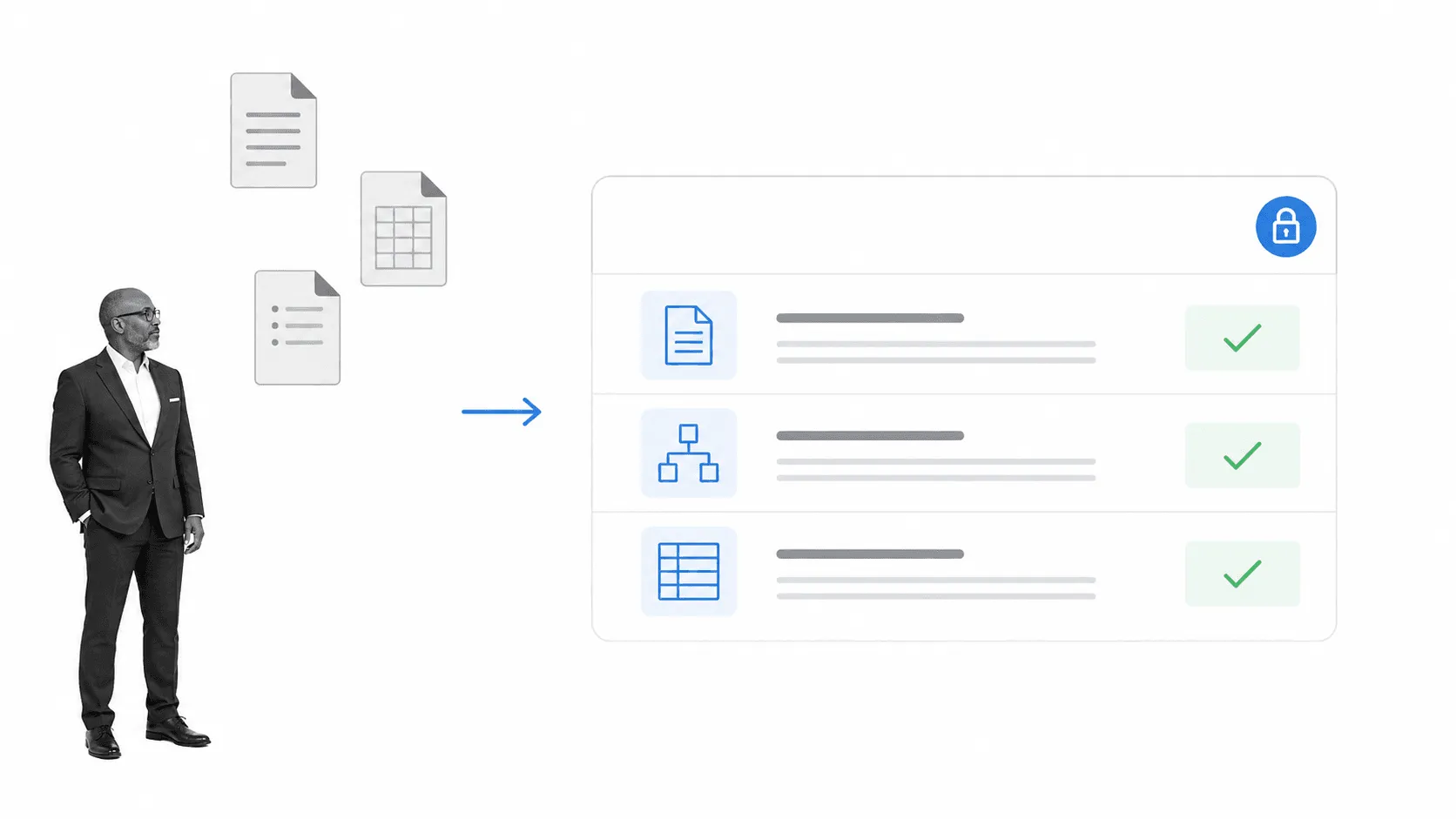
Use one governed source of truth for the current plan, responsibilities, procedures, and evidence. Give your team accountability to finish their tasks and see the relevant documents by giving them visibility over everyone’s work in the shared system. Keep ownership and change control explicit instead of relying on a project manager to relay every update manually.
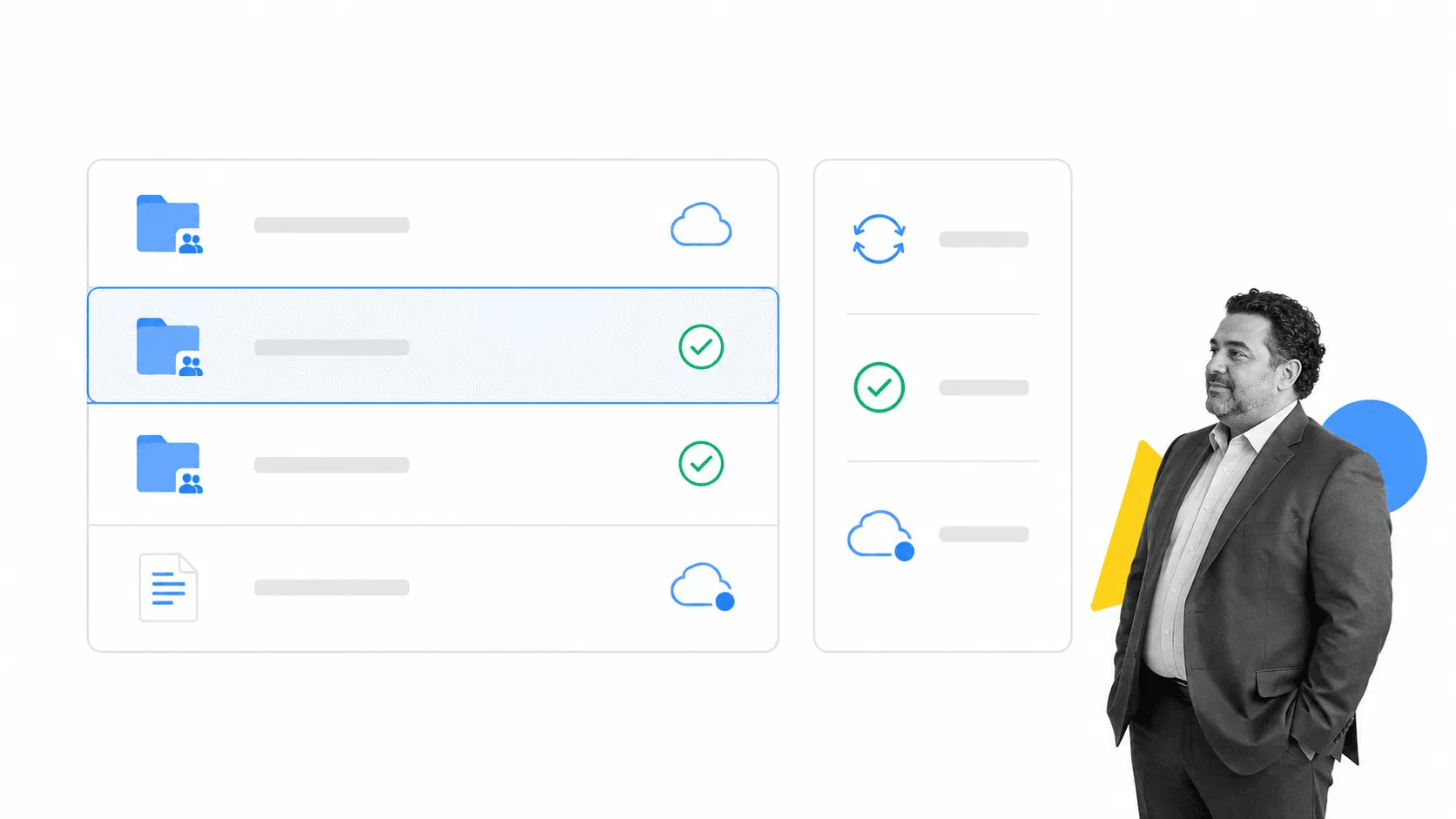
Dropbox and Google Drive remain useful for shared files. Both tools let companies use local folders on their computers that link to the cloud, meaning the file workflow remains exactly the same as everyone is used to. Treat them as part of the system, not the whole system. Link files to the work, decisions, and approvals that give them meaning.
Slack is a way to communicate with groups in real time and search for information. It can also be the dashboard for selected tools. Feed activity from particular tools or projects into one channel that updates as changes are made, while keeping routine noise out. Slack can receive workflow activity, task changes, and alerts through its integrations directory or through Zapier integrations. Route only the events that require attention.
Keep your team in the loop, keep your projects running smoothly
Useless tools can contribute to bad project management. They create friction when they hide ownership, block integrations, scatter context, or make normal changes harder than they should be.
But tools do not set priorities, define success, control scope, or decide who owns the next step. Build those operating rules first. Then use connected project management software to enforce the process, surface risk, and keep the current record where the team can act on it.
Following a few simple rules helps teams avoid losing information and falling behind project deadlines. Set up integrations for tasks you can avoid, and centralize your information so no one is left in the dark.
The post Are Your Useless Tools to Blame for Bad Project Management? first appeared on Process Street | Compliance Operations Platform.